EnglishBy Jitendra Kavire ·23 Oct 2026 · 3 min read
n8n AI Agent Node: Build Your First AI Agent with Tools and Memory
A practical guide to n8n's AI Agent node: the chat model, memory, tools and output parser, plus a real example of an agent that qualifies WhatsApp leads from a Google Sheet, and the mistakes that break agents.
"AI agent" is one of the most searched automation terms today, and n8n's AI Agent node is one of the easiest ways to build a real one. Unlike a simple "send text to ChatGPT" step, an agent can remember the conversation, use tools (search a sheet, call an API) and decide what to do next.
Here's how it works, with a real example from our ebooks.
The four parts of an n8n AI agent
| Part | What it does | Example |
|---|---|---|
| Chat Model | The AI brain | OpenAI gpt-4o or gpt-4o-mini |
| Memory | Remembers earlier messages | Simple Memory, keyed by phone number |
| Tools | Actions the agent can take | Google Sheets search, HTTP Request, a sub-workflow |
| Output Parser (optional) | Forces a clean structure | JSON with reply, score and next step |
The System Message ties them together: who the agent is, what it must do, and the rules it must never break.
A real example: WhatsApp lead qualifier
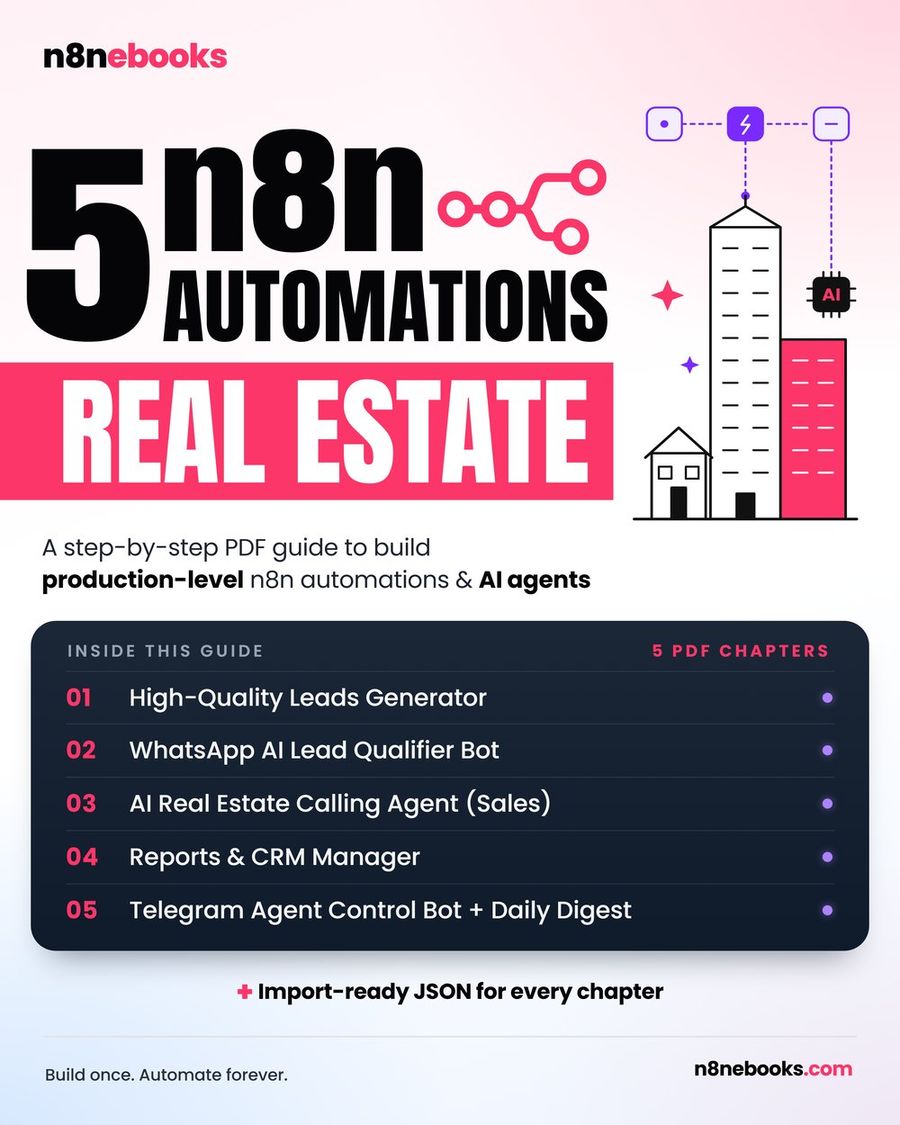
In our Real Estate ebook, an AI agent answers WhatsApp leads:
- WhatsApp Trigger: a new message arrives.
- AI Agent with:
- a system message: "You are a friendly property assistant. Reply in the customer's language. Ask one question at a time: budget, location, timeline. Only suggest properties from the Listings tool",
- memory keyed on the sender's phone number, so each lead has their own conversation,
- a Google Sheets tool that searches your real Listings tab.
- The agent replies, suggests up to three matching properties, and offers a viewing.
- A code step separates the reply from hidden lead data (score, budget, area).
- The CRM is updated, and hot leads trigger a Telegram alert.

Writing a system message that works
- Role and goal: who the agent is and what success looks like.
- Hard rules: "Never invent prices. Only use data from the tools."
- Style: "One question at a time. Short messages. Reply in the customer's language."
- Output contract: if you need structured data, describe the exact format at the end.
Tools: where agents get useful
A tool is anything the agent can call when it decides it needs it:
- Google Sheets: look up a product, plan or listing.
- HTTP Request: check an order status or calendar availability.
- Call another workflow: book an appointment, send a WhatsApp message.
Give each tool a clear name and description. The agent decides which tool to use from that description.
Common mistakes
- No memory, or the wrong memory key. The agent repeats questions. Key the memory on something unique, like the phone number.
- The prompt allows guessing. Without a "never invent" rule, agents make up prices and policies.
- Customers see the raw data. If the agent outputs a reply plus hidden data, split them before sending.
- Using the biggest model for everything. gpt-4o-mini is enough for many classification and command tasks, and it's much cheaper.
Frequently asked questions
What is the difference between the AI Agent node and the OpenAI node?
The OpenAI node sends one prompt and returns one answer. The AI Agent node adds memory and tools, so it can hold a conversation and take actions, like looking up data before it replies.
Which AI model should I use with the n8n AI Agent?
Start with gpt-4o-mini for simple tasks and switch to a larger model if the answers aren't good enough. The Chat Model sub-node also supports other providers.
Can an n8n AI agent work on WhatsApp?
Yes. Connect the WhatsApp Trigger to the agent and send its reply with the WhatsApp node. You need the WhatsApp Business Cloud API.
Do I need to code?
No. Agents are built with nodes. A small code step is sometimes used to split outputs, and ready workflows include it.
Real, tested AI agents (WhatsApp sales bots, Telegram control bots and support chatbots) are explained node by node in our Real Estate, Gym, Restaurant and Customer Support n8n ebooks.
Written by
Jitendra Kavire · Founder, n8nebooks
Jitendra builds n8n automations for real businesses — real estate, clinics, gyms, agencies and creators. He has written 13 n8n ebooks with 65 tested, ready-to-import workflows, and runs Revision Wave Production House in Pune, India.