EnglishBy Jitendra Kavire ·13 Nov 2026 · 4 min read
n8n: Auto-Post Trending News Like Gemini 4 Hydrogen to Socials
Learn how to use n8n to instantly auto-post trending topics—like Google’s Gemini 4 Hydrogen—across all your social platforms. A workflow that finds viral news, writes posts, and publishes for you.

If you want to post about trending topics like Google’s new Gemini 4 Hydrogen instantly across all your social platforms, you don’t need to do it by hand. With n8n’s Trend Auto-Post Multi-Platform workflow, you can automate the whole process, from finding the latest news to posting on LinkedIn, Facebook, Instagram, and X.
What happened with Gemini 4 Hydrogen?
Google has launched Gemini 4 Hydrogen, a new AI model focused on fast, efficient work for coding and agentic workflows. According to Google, Hydrogen is designed for rapid execution and is now available to everyone through Google AI Studio, the Gemini API, and other Google products. It’s built for everyday tasks, offering adaptable speed and intelligence, and is priced for broad access.
Why does this matter for freelancers and small business owners?
When a topic like Gemini 4 Hydrogen trends, social media users talk about it everywhere. Posting timely, relevant content helps you stay visible, grow your audience, and show you’re up to date. But researching trends and writing posts for each network every day can take hours. Most people can’t keep up on their own.
How can n8n auto-post trending news for you?
The Trend Auto-Post Multi-Platform workflow in n8n automates this job. Each morning, it finds the hottest trend (like Gemini 4 Hydrogen), writes posts for each platform, creates a matching image, and publishes everywhere for you.
How the n8n auto-post trending news workflow works

- It collects trends from Google, Reddit and X: The workflow gathers trending topics from Google, Reddit, and X to make sure you see the latest news each day.
- AI picks the best trend for your business: An AI model analyzes the collected trends and selects the one most relevant for your business niche.
- AI writes four posts, one per platform: AI then writes four separate social media posts, each tailored for a specific platform to maximize engagement.
- An image is generated and hosted online: A matching image is created with AI and uploaded to an image hosting service, ensuring your posts are visually appealing.
- Posts go live on all four networks: The workflow publishes your posts to LinkedIn, Facebook, Instagram, and X, saving you time and manual effort.
- Everything is logged; errors are emailed to you: Details of each post are logged for tracking, and if something goes wrong, you receive an email alert.
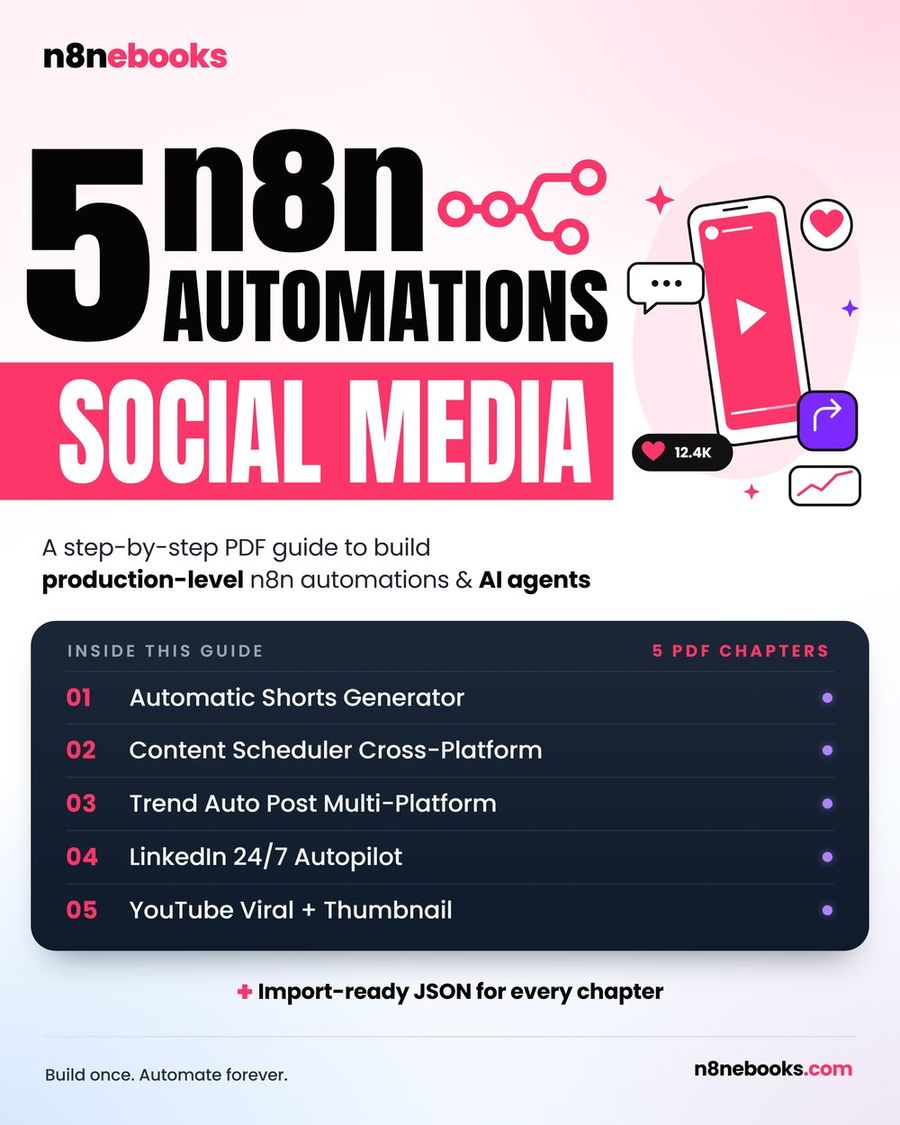
The full setup, including every node, prompt, and ready-to-import JSON, is in the workflow name chapter of the n8n Social Media ebook. You’ll also find a setup video and troubleshooting tips.
What do you need to use this n8n workflow?
You’ll need:
- An n8n account (free or self-hosted)
- OpenAI API access (for writing and image generation)
- Developer accounts for LinkedIn, Facebook/Instagram, Twitter/X, and Reddit
- An imgbb account (for public image hosting)
- A Google account (for logging posts in a Sheet)
All these are explained in the ebook chapter, with links and setup videos for each API.
Honest limitation: What this workflow does (and doesn’t do)
This workflow finds, writes, and posts about trends, but only for the four supported platforms. You’ll need to connect your own accounts and set up developer access for each. It doesn’t reply to comments, track analytics, or handle platforms beyond LinkedIn, Facebook, Instagram, and X. If your business needs more, you’ll need to add those steps or use other workflows.
Want the full setup?
The n8n ebook chapter gives you every detail: node-by-node explanations, ready JSON, and setup videos. Get it here: the workflow name.
For all five automations, including trend posting, content repurposing, and more, see the full ebook.
Frequently asked questions
Does this work on free n8n?
Yes, you can run this workflow on the free, self-hosted n8n Community edition or n8n Cloud. You only pay for the outside services it uses, like OpenAI, but many offer free tiers.
How long does setup take?
If you use the ready JSON, setup takes about 2 hours. If you use Claude Code, it takes 30–45 minutes. The ebook includes setup videos and full instructions for each API and account.
What if a post fails on one platform?
The workflow logs every step and emails you if something goes wrong. Most issues are due to missing credentials or wrong account IDs. The ebook chapter lists common problems and fixes for each platform.
Written by
Jitendra Kavire · Founder, n8nebooks
Jitendra builds n8n automations for real businesses — real estate, clinics, gyms, agencies and creators. He has written 13 n8n ebooks with 65 tested, ready-to-import workflows, and runs Revision Wave Production House in Pune, India.