HinglishBy Jitendra Kavire ·19 Nov 2026 · 4 min read
n8n WhatsApp Bot: Duplicate-Proof Auto-Reply Kaise Banaye (Hinglish Guide)
WhatsApp bot me double reply ka problem? n8n workflow se duplicate-proof auto-reply banayein. Is guide me aapko milega practical solution, har step Hinglish me samjhaaya gaya hai. Coding ki zarurat nahi, sirf ready workflow import karein.
Read this guide in English →
WhatsApp bot me double reply ka issue aa raha hai? n8n ka yeh workflow is problem ko solve karta hai, har WhatsApp query pe ek hi reply jaata hai, chahe message bar-bar aaye. Isse customer ko spam nahi hota aur aapke resources bhi bach jaate hain.
n8n WhatsApp Bot Duplicate-Proof Auto-Reply Kaise Kaam Karta Hai?
WhatsApp Instant Auto-Reply workflow duplicate messages ko handle karta hai, taaki ek hi query pe ek hi reply mile. Isme AI aapke product catalog se relevant product recommend karta hai, reply customer ki language me hota hai, aur sab kuch CRM me record ho jaata hai. Hot leads pe aapko instant Telegram alert bhi milta hai.

- WhatsApp Message Trigger: Jab bhi koi lead aapke WhatsApp number pe message bhejta hai, workflow turant activate ho jaata hai.
- AI Product Check: AI aapke product catalog ko check karta hai taaki relevant product recommend kiya ja sake.
- Language Detection & Reply: Customer jis language me message bhejta hai, AI usi language me reply karta hai for better engagement.
- Lead & Chat CRM Save: Saari lead details aur chat history automatically CRM me save ho jaati hai, taaki koi data miss na ho.
- Hot Lead Telegram Alert: Agar koi lead zyada interested lagti hai, toh aapko turant Telegram pe alert mil jaata hai for quick follow-up.
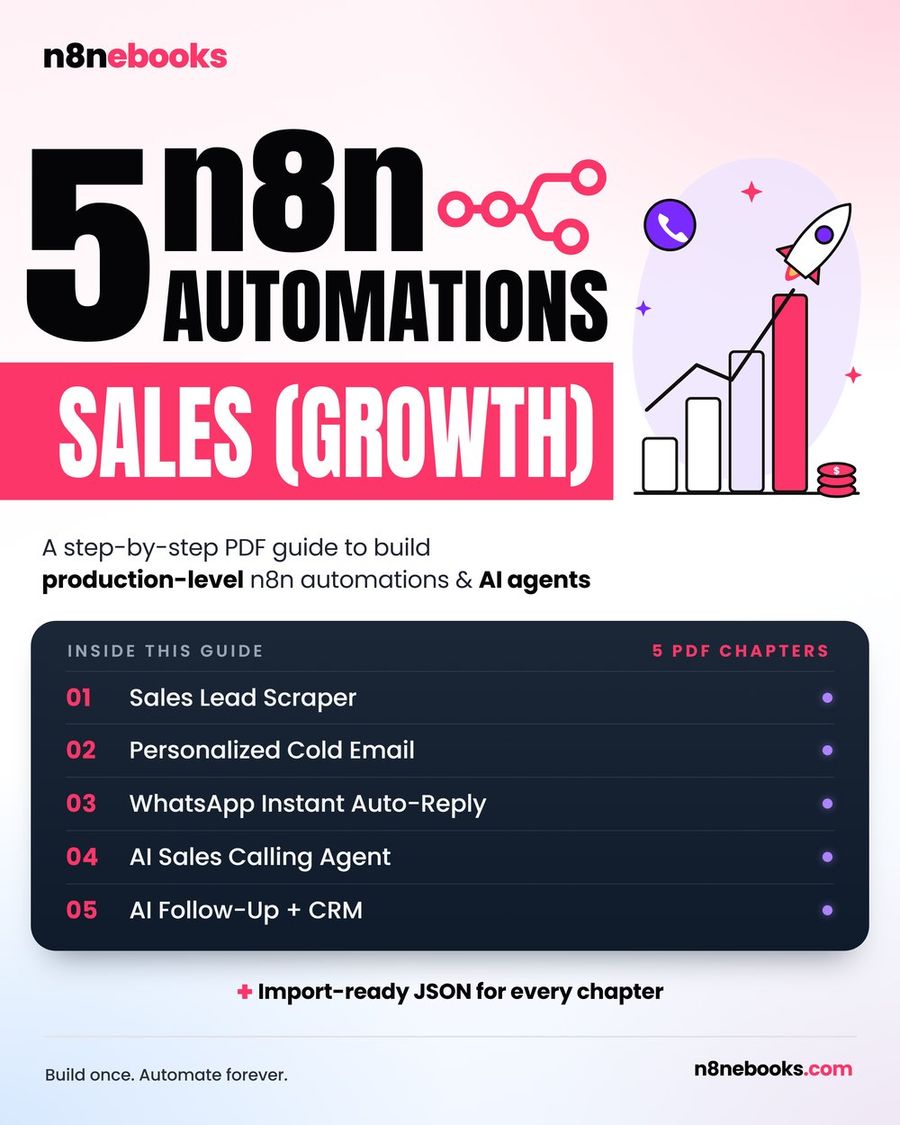
Har node, prompt, aur setting ready-to-import JSON ke saath, step-by-step video aur explanation ke liye, full setup yahan milega: WhatsApp Instant Auto-Reply
Kya-Kya Chahiye? (What You Need)
- n8n account (self-hosted ya n8n Cloud, dono pe kaam karta hai)
- WhatsApp Cloud API number (Phone Number ID + token)
- Google Sheet (Products tab, Sales Leads tab, Activity tab)
- OpenAI ya OpenRouter API key (gpt-4o ke liye)
- Telegram bot aur aapka chat ID (hot-lead alerts ke liye)
WhatsApp Bot Me Double Reply Kaise Rokein? (n8n WhatsApp Bot Duplicate-Proof Kaise Banta Hai)
n8n workflow har WhatsApp message ko ek unique record ke saath process karta hai. Jab bhi koi lead message bhejta hai, workflow check karta hai ki us query ka reply already gaya hai ya nahi. Agar pehle se reply gaya hai, toh dobara message nahi bheja jaata. Data Tables (like Google Sheets) ka use hota hai taaki har lead aur chat ka record maintain ho sake. Isse accidental double replies avoid ho jaate hain.
Ek Common Limitation Ya Mistake
Ek common mistake hai: Google Sheet me match column galat set kar dena. Agar aapne "Match on" column (usually Phone) sahi set nahi kiya, toh duplicate check kaam nahi karega aur double replies aa sakte hain. Isliye, "Match on → Phone" zarur set karein. Dusra, WhatsApp Phone Number ID ya token galat ho toh reply hi nahi jaata.
Yeh Workflow Kis Part Tak Cover Karta Hai?
Yeh workflow WhatsApp pe aane wale har lead message ko instantly reply karta hai, product recommend karta hai, aur duplicate replies se bachata hai. Agar aapko aur advanced duplicate detection chahiye (jaise fuzzy text matching), toh woh manually add karna padega. Lekin basic duplicate-proofing yahan cover hai.
Aur Kya Seekhein Ya Shuru Karein?
Agar aap n8n me naye hain, toh free starter workflow bhi try kar sakte hain: n8n Starter Workflow ya phir saare ready workflows dekhein: All n8n Workflows
Full n8n WhatsApp Sales Ebook
Har node, prompt, aur setting ready-to-import JSON ke saath, full setup video aur step-by-step guide ke liye, yeh chapter dekhein: WhatsApp Instant Auto-Reply. Pura sales automation ebook yahan hai: n8n Sales Ebook
Aksar pooche jaane wale sawaal (FAQ)
Kya yeh workflow free n8n pe bhi chalega?
Bilkul, yeh workflow self-hosted (free Community edition) ya n8n Cloud dono pe kaam karta hai. Sirf external services (WhatsApp, OpenAI, Telegram) ke liye API keys chahiye, jinme free tier bhi mil jaata hai.
Setup me kitna time lagta hai?
Agar aap ready JSON import karte hain toh lagbhag 2 ghante lagenge. Claude Code se karenge toh 30–45 minutes. Manual node-by-node setup karna hai toh 1 din tak lag sakta hai.
Coding aani zaruri hai kya?
Bilkul nahi! Har node, prompt, aur setting ebook me diya gaya hai. Sirf copy-paste karna hai ya ready workflow import karna hai, coding ki bilkul zarurat nahi hai.
Written by
Jitendra Kavire · Founder, n8nebooks
Jitendra builds n8n automations for real businesses — real estate, clinics, gyms, agencies and creators. He has written 13 n8n ebooks with 65 tested, ready-to-import workflows, and runs Revision Wave Production House in Pune, India.