HinglishBy Jitendra Kavire ·9 Nov 2026 · 4 min read
n8n se WhatsApp Lead Qualification: AI Score kaise kare (Hinglish Guide)
WhatsApp leads ko n8n aur OpenAI se automatically qualify aur score karna hai? Ye guide batayega, bilkul coding ke bina: kaunse tools chahiye, setup kaise kare, aur sabse common galtiyan kya hoti hain.

Aap WhatsApp par aane wale leads ko n8n aur OpenAI ki madad se automatically qualify ya score kar sakte ho, bilkul coding ke bina. Isse aapka sales process super fast ho jata hai, aur sirf hot leads pe focus kar sakte ho. Yahi problem solve hota hai WhatsApp AI Lead Qualifier Bot workflow se.
n8n se WhatsApp lead qualification kaise hota hai?
Is workflow me jab bhi koi WhatsApp pe message karta hai, AI unse chat karta hai, unko score karta hai, aur matching properties suggest karta hai. Saare results aapke CRM me update ho jate hain, aur agar koi lead hot nikle, to turant Telegram pe alert aa jata hai.
Yeh actual workflow ka screenshot hai, jaisa n8n me dikhega.
Step-by-step: WhatsApp AI Lead Qualifier Bot kaise kaam karta hai
- Lead WhatsApp par message bhejta hai
Ye trigger node WhatsApp Business Cloud API se connect hota hai, taki jab bhi koi customer message kare, workflow shuru ho jaye.
- AI agent reply karta hai aur qualifying questions puchta hai
OpenAI (ya OpenRouter) API se AI agent lead ke questions samajh ke, unki needs ke hisaab se follow-up questions karta hai, aur language bhi wahi use karta hai jo lead ne boli.
- AI top 3 matching listings suggest karta hai
Google Sheets me aapke real listings stored hain. AI wahaan se top 3 suitable properties pick karke lead ko suggest karta hai.
- Viewing book karne ka offer deta hai
Agar lead interested hai, AI viewing ke liye time book karne ka option deta hai, taki sales team manual follow-up kare.
- CRM update hota hai, chat log ho jati hai
Google Sheets me RE Leads aur RE Activity tabs hai. Sab updates aur chats yaha record ho jate hain, taki aapko pura trail mil sake.
- Hot lead to Telegram alert
Agar AI ne lead ko hot ya warm judge kiya, to turant aapke Telegram pe alert aa jata hai. Sales team ek second bhi waste nahi karti.
Is pure setup ka har ek node, prompt, aur ready-to-import JSON aapko milta hai WhatsApp AI Lead Qualifier Bot chapter me, puri step-by-step explanation aur video ke sath.
Kaunse tools aur accounts chahiye?
- n8n account (self-hosted ya cloud, dono chalega)
- WhatsApp Business Cloud API (Meta se setup karna padega, trigger + send dono ke liye)
- OpenAI ya OpenRouter API key (AI agent ko chalane ke liye)
- Google Sheets account (RE CRM sheet with Leads, Activity, Listings tabs)
- Telegram bot aur apna chat ID (alerts ke liye)
In sabka setup video bhi chapter me diya hai, taki API keys laana easy ho jaye.
n8n WhatsApp lead qualification automation ka ek limitation ya common mistake
Ek common galti yeh hai ki RE Listings tab ya to khali hota hai, ya galat Sheet ID laga hota hai. Isse bot properties suggest nahi karta. Solution: Google Sheet me RE Listings tab ko sahi se bhar lo, Sheet ID properly set karo, aur Search Listings node me bhi tab name check karo.
Workflow kaise import kare aur test kare?
- Sabse pehle, saare accounts ka credential add karo (WhatsApp, OpenAI, Google Sheets, Telegram)
- CRM sheet me RE Listings tab bana ke properties bhar do
- Ready workflow JSON import karo, har red node pe apna credential reconnect karo
- WhatsApp, Google Sheets, Telegram nodes me apne IDs set karo
- AI agent ka system message me apni company ka naam aur link replace karo
- Test karo chat se, fir live WhatsApp number pe activate karo
Pura detailed setup, har node ka screenshot, prompt, aur copy-paste expressions ke liye dekho: WhatsApp AI Lead Qualifier Bot
Aur workflows ya n8n starter chahiye?
Agar n8n ka basic starter workflow pehle dekhna hai, check karo: starter workflow ya sabhi workflows ki list: all workflows
Poora n8n Real Estate ebook kahan milega?
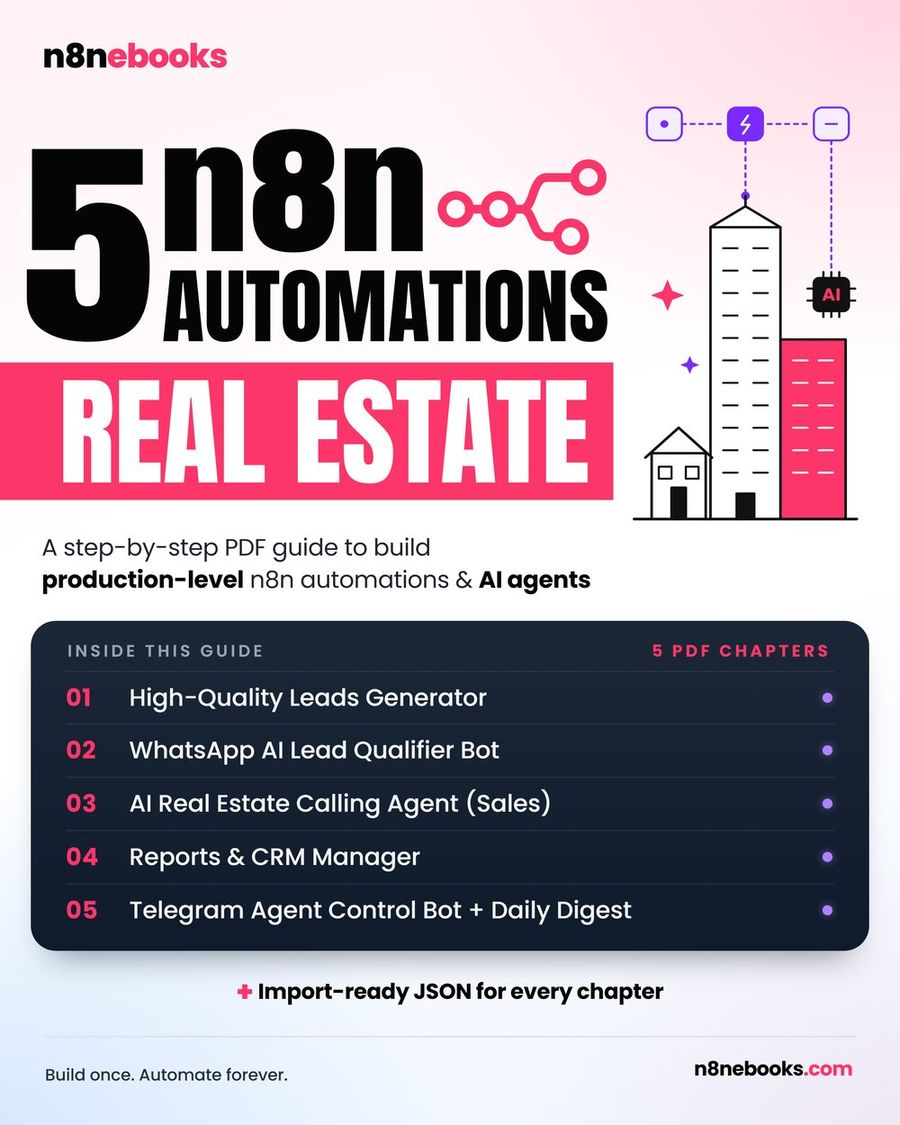
Ye chapter n8n Real Estate ebook ka part hai. Poora ebook (5 tested workflows) yahan milega: n8n Real Estate Automation ebook
Aksar pooche jaane wale sawaal (FAQ)
Kya yeh workflow self-hosted n8n pe chalega?
Bilkul. Workflow self-hosted aur n8n Cloud, dono par kaam karta hai. Sirf external APIs (WhatsApp, OpenAI, Telegram) ka access hona chahiye.
Kya mujhe coding aani chahiye iske liye?
Nahi, bilkul bhi nahi. Ye poora setup no-code hai. Saare prompts aur expressions ready milte hain, sirf copy-paste karna hai.
Setup karne me kitna time lagta hai?
Agar ready JSON import karte ho to lagbhag 2 ghante lagenge, aur agar Claude Code se build karate ho to 30–45 minute. Har API ka setup video bhi diya gaya hai n8n ebook me.
Written by
Jitendra Kavire · Founder, n8nebooks
Jitendra builds n8n automations for real businesses — real estate, clinics, gyms, agencies and creators. He has written 13 n8n ebooks with 65 tested, ready-to-import workflows, and runs Revision Wave Production House in Pune, India.