EnglishBy Jitendra Kavire ·9 Nov 2026 · 4 min read
n8n WhatsApp AI Lead Qualifier Bot: Automatic Lead Scoring with OpenAI
Learn how to use n8n and OpenAI to automatically qualify and score WhatsApp leads. This practical workflow replies, asks questions, suggests listings, and updates your CRM.

If you want to automatically qualify and score your WhatsApp leads using n8n and OpenAI, you can set up a workflow that replies instantly, asks the right questions, and updates your CRM, no coding needed. This means every lead gets a fast, helpful response, and you only talk to the hottest prospects.
How does n8n automate lead qualification with WhatsApp and OpenAI?
This workflow connects WhatsApp, OpenAI, your CRM, and Telegram. Leads message you on WhatsApp, AI chats with them to qualify, suggests up to three matching listings, offers to book a viewing, and updates your CRM. Hot leads trigger a Telegram alert.
This is the actual WhatsApp AI Lead Qualifier Bot workflow in n8n.
Step-by-step: How the WhatsApp AI Lead Qualifier works
- A lead messages you on WhatsApp
- The workflow starts when someone sends a message to your WhatsApp Business number. This is the trigger to begin the qualification process.
- AI replies and asks qualifying questions
- An AI agent (using OpenAI) reads the message, replies right away in the customer's language, and asks questions to understand what the lead wants. This personal touch keeps leads engaged.
- It suggests up to 3 matching listings
- Based on the answers, the AI looks up your property listings (from Google Sheets) and suggests the three best matches. This saves time for both you and the lead.
- It offers to book a viewing
- The AI offers to schedule a viewing, making it easy for serious leads to take the next step.
- The CRM is updated and the chat logged
- Details from the chat (lead info, answers, suggested listings) are saved in your CRM (Google Sheets), so you always have an up-to-date record.
- Hot leads trigger a Telegram alert
- If the lead is qualified as 'hot' (very interested and ready to buy), you get an instant alert on Telegram. This way, your team can follow up right away.
The full setup, every node, setting, prompt, and ready-to-import JSON, is explained in detail in WhatsApp AI Lead Qualifier Bot. It also includes setup videos for every API.
What do you need to run this n8n WhatsApp AI lead qualification workflow?
You will need:
- An n8n account (self-hosted or n8n Cloud)
- WhatsApp Business Cloud API (set up for both incoming and outgoing messages)
- OpenAI (or OpenRouter) API key for the AI agent
- Google Sheets (as your CRM and listings database)
- Telegram bot and chat ID (for alerts)
- The ready workflow JSON (from the ebook or all workflows)
What’s a common mistake or limitation?
A common mistake is not filling the property listings tab in your Google Sheet or using the wrong Sheet ID or tab name. If this happens, the bot can’t suggest any listings. Always double-check your Sheet ID, tab names, and make sure you have real property rows for the AI to suggest.
Can I really do this with no coding?
Yes. All you need to do is connect your accounts and paste in the right prompts and settings as shown in the step-by-step guide. The ebook includes a video for each API and a ready workflow JSON file so you can get started fast. You can also try the free n8n starter workflow to see how importing and connecting nodes works.
Where do I find the full WhatsApp AI Lead Qualifier Bot setup?
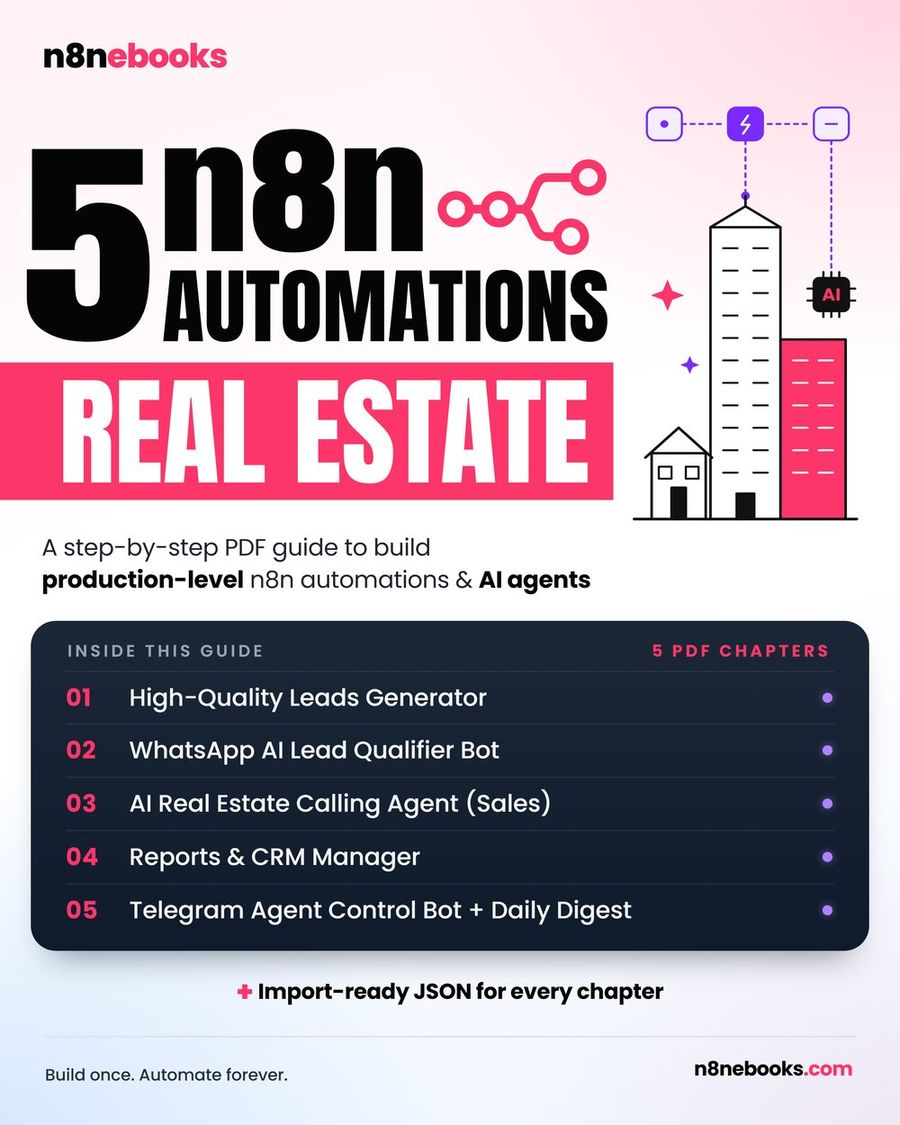
You’ll find every detail of this workflow, including all node settings, prompts, and the ready-to-import JSON, in WhatsApp AI Lead Qualifier Bot, part of the Real Estate n8n ebook. There are also setup videos for each API.
If you want more tested n8n automations for real estate, you can get the full ebook here.
Frequently asked questions
Does this workflow work on both n8n Cloud and self-hosted?
Yes, you can use this workflow on n8n Cloud or self-hosted n8n. The workflow itself does not require coding and runs on both setups.
How long does setup take?
If you use the ready JSON and follow the ebook, setup takes about 2 hours. If you use Claude Code with the ebook, it can take 30–45 minutes. Building it manually from the ebook takes about a day.
Do I need to know how to code?
No coding is needed. You only need to follow the step-by-step instructions, connect your accounts, and paste in the settings and prompts as shown in the guide.
Written by
Jitendra Kavire · Founder, n8nebooks
Jitendra builds n8n automations for real businesses — real estate, clinics, gyms, agencies and creators. He has written 13 n8n ebooks with 65 tested, ready-to-import workflows, and runs Revision Wave Production House in Pune, India.