EnglishBy Jitendra Kavire ·27 Oct 2026 · 3 min read
Is n8n Free? Self-Hosted vs Cloud and What Automations Really Cost a Small Business
A plain-English answer to 'is n8n free?': the Community edition vs n8n Cloud, what you actually pay for (AI, WhatsApp, voice minutes, scraping), and how to start cheaply.
"Is n8n free?" is one of the most common questions we get. The short answer is: n8n itself can be free, but your automations usually use other services that charge per use. Here's the full picture, so you can plan without surprises.
Option 1: Self-hosted Community edition
n8n's Community edition is free to self-host on your own server or computer.
- Software cost: free.
- You pay for: a server or VPS to run it on, unless you use a computer you already own.
- You handle: installation, updates, backups and keeping it online.
This suits people who are comfortable with a bit of technical setup, or who have someone to help.
Option 2: n8n Cloud
n8n Cloud is the hosted version run by n8n.
- Cost: a monthly plan (there's usually a free trial). Check n8n's pricing page for current plans.
- You get: no servers to manage, automatic updates and a stable webhook URL.
This suits business owners who want to start today without technical setup.
The workflows are the same on both. A workflow you import runs on self-hosted n8n and on n8n Cloud.
What automations actually cost to run
Whichever n8n you choose, most real business workflows call other services:
| Service | What it does | How you pay |
|---|---|---|
| OpenAI / OpenRouter | AI replies, scoring, summaries | Per token, usually small for short tasks |
| WhatsApp Cloud API (Meta) | Bots and reminders | Per conversation, by country and category |
| Voice AI platform | AI phone calls | Per minute |
| Apify | Google Maps lead scraping | Monthly free credits, then paid |
| Image generation | Thumbnails, creatives | Per image |
| Google Sheets, Drive, Calendar, Gmail | CRM, files, bookings | Free with a Google account |
| Telegram bots | Alerts and control | Free |
Check each provider's current pricing for your country. These prices change.
How to start cheaply
- Start with free building blocks: Google Sheets as your CRM and Telegram for alerts.
- Use a small AI model (like gpt-4o-mini) for classification and short replies, and save bigger models for writing.
- Add paid channels one at a time. Start with WhatsApp, and add voice calls later once you see results.
- Watch usage for the first month, then decide what to scale.
A free workflow to try first
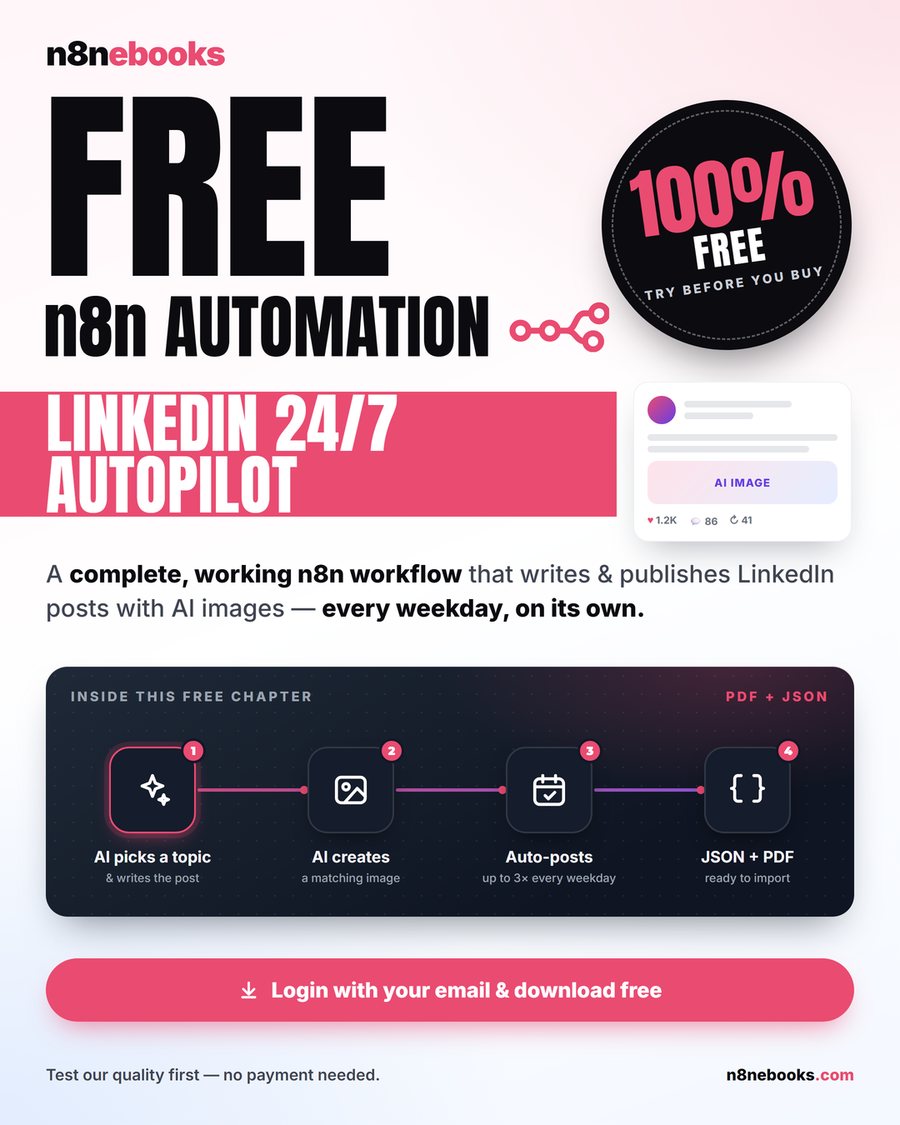
Our free n8n ebook, LinkedIn 24/7 Autopilot, is a complete working workflow that writes and publishes LinkedIn posts with AI images every weekday. It's a good way to learn how a real n8n workflow fits together before you buy anything.
Frequently asked questions
Is n8n completely free?
The self-hosted Community edition is free software. n8n Cloud is a paid hosted service. In both cases, external services your workflows use, such as AI or WhatsApp, are billed by those providers.
Is n8n cheaper than Zapier?
For complex or high-volume workflows, n8n is often cheaper, because self-hosting has no per-task fees and Cloud plans count whole workflow runs rather than every step. For a couple of simple automations, either can work.
Can I run n8n on my laptop?
Yes, for learning and testing. For workflows that must run 24/7, like webhooks and schedules, use a server or n8n Cloud so they keep running when your laptop is off.
Do I need coding to use n8n?
No. You build visually with nodes, and you can import ready-made workflow JSON files and only change settings.
Start with the free n8n ebook (LinkedIn Autopilot), then browse all 65 tested workflows across 13 niche n8n ebooks.
Written by
Jitendra Kavire · Founder, n8nebooks
Jitendra builds n8n automations for real businesses — real estate, clinics, gyms, agencies and creators. He has written 13 n8n ebooks with 65 tested, ready-to-import workflows, and runs Revision Wave Production House in Pune, India.