HinglishBy Jitendra Kavire ·27 Oct 2026 · 2 min read
n8n se AI calling agent kaise banaye: call par booking aur CRM update (Hinglish)
AI voice agent jo call uthaye, calendar check kare, booking kare aur call ke baad summary CRM mein daale. Dekho n8n ke saath ye kaise banta hai aur kaunsi galtiyan bachani hain.
Bahut se customers aaj bhi message ki jagah call karna pasand karte hain. Lekin raat 9 baje ya Sunday ko call uthane wala koi nahi hota. AI calling agent ye kaam 24/7 kar sakta hai, aur n8n usko aapke calendar aur CRM se jodta hai.
Do hisse samjho
- Voice AI platform (hum OmniDimension use karte hain): phone number, awaaz aur baat-cheet sambhalta hai.
- n8n: peeche ka dimaag. Call ke dauran voice agent n8n ko poochta hai "kya kal 5 baje ka slot free hai?", aur call ke baad poori baat-cheet n8n ko bhejta hai.
Incoming call par booking
- Caller time batata hai: "kal shaam".
- n8n AI se "kal shaam" ko asli date-time mein badalta hai (aaj ki date aur aapka timezone dekh kar).
- Google Calendar check karta hai ki kya free hai.
- Agent bolta hai "haan 5 baje free hai" ya "5 baje busy hai, 6 baje chalega?"
- Haan bolne par booking ho jaati hai, aur WhatsApp confirmation bhi ja sakta hai.
Outgoing calls: leads aur members ko
Har ghante n8n list dekhta hai ki kisko call karna hai: warm leads, trial reminder, renewal, dues. Call se pehle row ko "Dialing" mark karta hai, taaki kisi ko do baar call na jaaye.

Call ke baad: summary + CRM
Call khatam hote hi transcript n8n ke webhook par aata hai. AI chhoti summary likhta hai: kisne call kiya, kya chahiye, kya hua, agla step kya hai. CRM update hota hai aur aapko Telegram par recap aata hai.
Kya-kya chahiye?
| Cheez | Kis liye |
|---|---|
| n8n | Webhooks, calendar logic, CRM |
| Voice AI platform | Number, awaaz, baat-cheet |
| Google Calendar | Free slots aur booking |
| Google Sheets | CRM aur call log |
| OpenAI / OpenRouter | Date samajhna, summary |
| Telegram | Recap aur urgent alerts |
3 galtiyan jo sabse zyada hoti hain
- Test URL use karna. Workflow active hone ke baad voice platform mein Production webhook URL daalo.
- "Next Tuesday" ki galat date. Prompt mein aaj ki date aur timezone zaroor do.
- Baar-baar call. Call se pehle "Dialing" mark karna mat bhoolo.
Aksar pooche jaane wale sawaal (FAQ)
Kya AI Hindi mein baat karega?
Ye voice platform par depend karta hai. Kai platforms Hindi aur Indian languages support karte hain. Language voice agent mein set hoti hai.
Kya customer ko batana chahiye ki ye AI hai?
Haan. Greeting mein saaf batao, aur mushkil case ke liye insaan se baat karwane ka option rakho.
Coding chahiye?
Nahi. Ready workflows import karo, calendar, sheet aur voice platform ki keys jodo, aur prompt mein apne business ki details daalo.
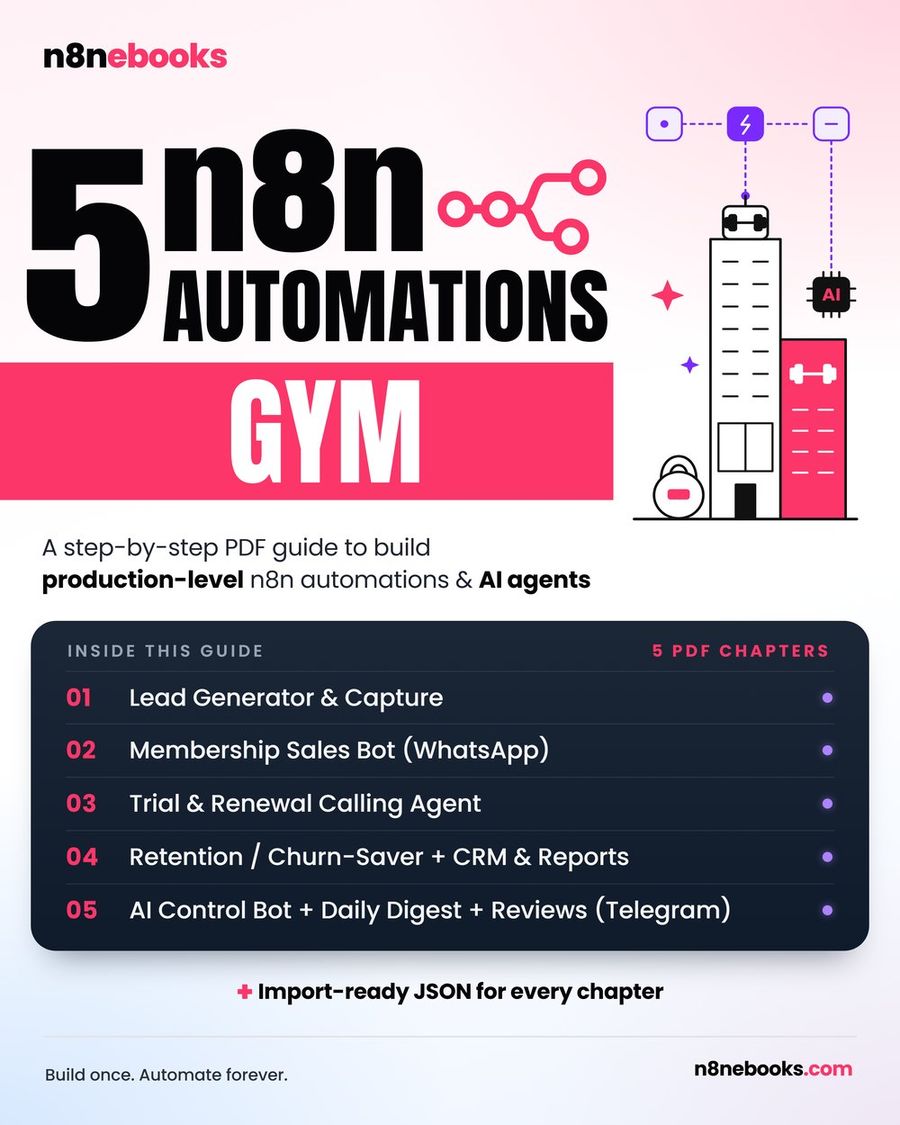
AI calling workflows hamari Gym, Clinic, Real Estate aur Restaurant n8n ebooks mein hain: har node aur setting step-by-step, ready JSON ke saath.
Written by
Jitendra Kavire · Founder, n8nebooks
Jitendra builds n8n automations for real businesses — real estate, clinics, gyms, agencies and creators. He has written 13 n8n ebooks with 65 tested, ready-to-import workflows, and runs Revision Wave Production House in Pune, India.