EnglishBy Jitendra Kavire ·25 Oct 2026 · 3 min read
n8n + Google Sheets as a CRM: How Small Businesses Run Leads Without Paid Software
Why a Google Sheet plus n8n is often the best first CRM for a small business: how to structure the tabs, avoid duplicates, score leads with AI, track every touchpoint and get daily reports.
Most small businesses don't need Salesforce. They need one place where every lead lands, nobody is forgotten, and the owner can see what's happening. A Google Sheet run by n8n does exactly that, and it's how every system in our ebooks is built.
Why a sheet is a good first CRM
- Everyone already knows how to use it. There's no new software to learn.
- It's free, and you can see every change.
- n8n can read and write it from any workflow: forms, WhatsApp bots, call summaries and reports.
- You can move later. If you outgrow it, the same workflows can point at a real CRM.
A tab structure that works
| Tab | What goes in it |
|---|---|
| Leads / Members | One row per person: name, phone, source, score, stage, last contact |
| Activity | One row per touchpoint: date, channel, what happened, outcome |
| Plans / Listings / Menu | Your real offer, which bots read so they never invent prices |
Rule 1: phone number is the key
The most common CRM mess is duplicate rows. Fix it at the source:
- Clean every phone number the same way: strip spaces, dashes and the country-code prefix.
- Use "Append or Update" with the match column set to Phone.
Now the same person messaging you five times stays one row.

Rule 2: let AI score, humans decide
An AI step reads each new lead and sets Hot, Warm or Cold with a one-line reason. Your team works the hot leads first. The score is advice, and a human still closes.
Rule 3: log every touchpoint
Every WhatsApp chat, call summary and email reply adds a row to Activity. That history lets other workflows make smart decisions, like "don't call someone we spoke to yesterday", and gives you the data for reports.
Pipeline stages updated automatically
Every few hours, a workflow reads the activity and moves each lead to the right stage (new, contacted, visit/trial, negotiation, won or lost) based on words in the outcomes such as "visited", "paid" or "not interested". No one has to remember to update it.
Reports without opening the sheet
- An evening PDF report on Telegram: new leads, conversions, follow-ups due.
- A morning AI briefing: what needs attention today.
- Instant alerts for hot leads.
Frequently asked questions
Is Google Sheets secure enough for customer data?
For a small business, a private sheet shared only with your team is reasonable. Limit access, avoid storing sensitive personal data you don't need, and follow your local data-protection rules.
How many leads can a Google Sheet handle?
Tens of thousands of rows work fine for this kind of workflow. If you grow far beyond that, the same n8n logic can move to a database or a CRM.
Can my team still edit the sheet manually?
Yes. Workflows match on the phone number, so manual edits and automatic updates work together.
Which workflows feed this CRM?
In our ebooks: lead capture forms, WhatsApp bots, AI calling agents, retention workflows and Telegram control bots all read and write the same sheet.
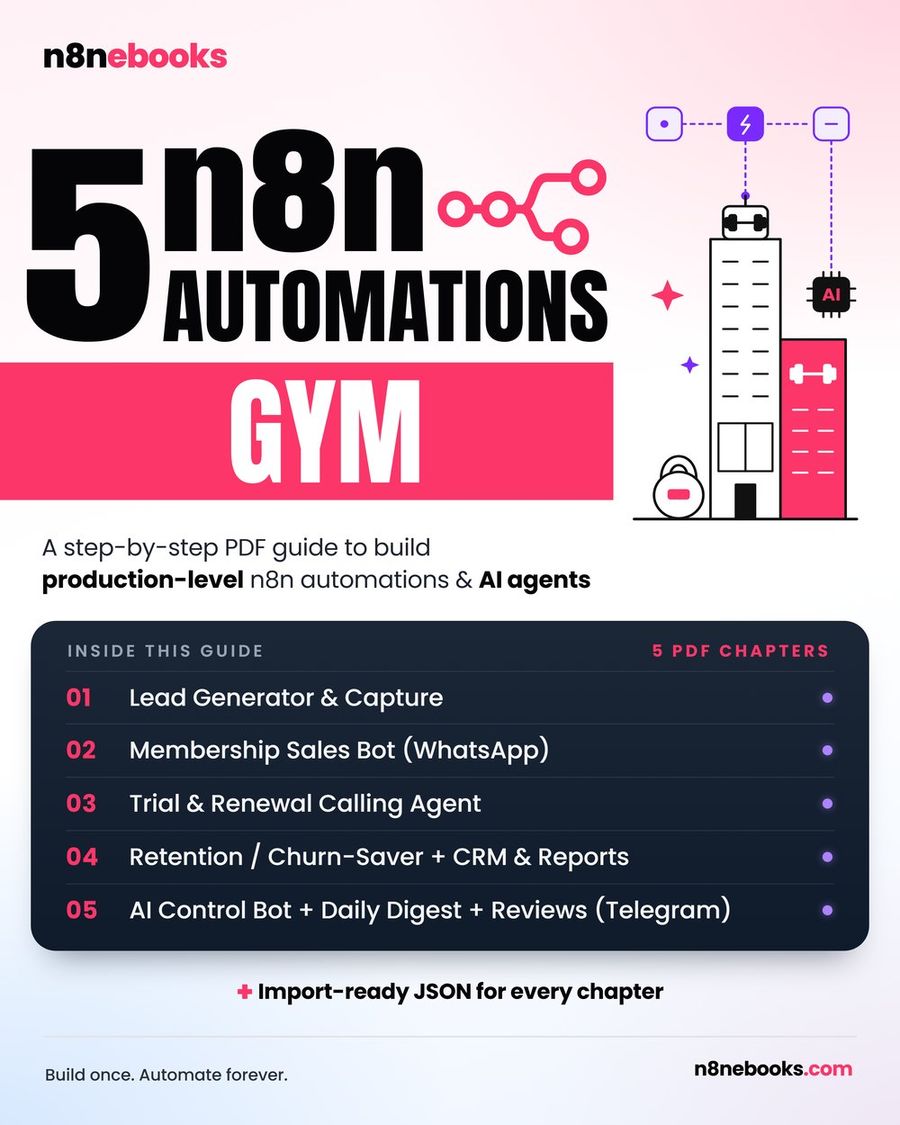
Every n8n ebook on our site, for gyms, real estate, restaurants, clinics and more, is built around this Google Sheets CRM pattern, with ready JSON and every node explained.
Written by
Jitendra Kavire · Founder, n8nebooks
Jitendra builds n8n automations for real businesses — real estate, clinics, gyms, agencies and creators. He has written 13 n8n ebooks with 65 tested, ready-to-import workflows, and runs Revision Wave Production House in Pune, India.