EnglishBy Jitendra Kavire ·23 Nov 2026 · 4 min read
n8n cold email personalization with AI: step-by-step workflow
Solve cold email personalization in n8n: research leads, write AI emails, check for spam, and send safely from Gmail. Step-by-step workflow explained, with honest tips and fixes.

If you want to send cold emails that actually get replies, you need to mention something real about each lead. With n8n cold email personalization with AI, you can automate this: n8n researches each lead, writes a personal email using AI, checks for spam, and sends it from your Gmail, all without coding.
What do I need to personalize cold emails with AI in n8n?
You need:
- An n8n account (self-hosted or n8n Cloud)
- A Gmail account (connected as a credential in n8n, to send emails)
- Two Google Sheets: one with your leads, and one to track sent emails and suppressions
- An OpenAI or OpenRouter API key (to run the AI email writer)
- (Optional) A Telegram bot for failure alerts (not required for sending emails)
You do not need to write any code. All settings, prompts, and expressions are handled in the workflow nodes.
How does n8n cold email personalization with AI work?

- Every 15 minutes it picks the next lead: The workflow schedules itself to pick the next lead every 15 minutes, so emails are sent steadily instead of all at once.
- It reads the lead's website and Instagram: It gathers real information about the lead by reading their website and Instagram, which helps make each email unique.
- AI writes a short personal email: AI uses the collected data to write a short, personal cold email that mentions something specific about the lead's business.
- A spam check blocks risky emails: A spam check reviews the generated email for risky words or patterns, blocking any that could hurt your sender reputation.
- It is sent from Gmail and logged: The final email is sent from your Gmail account and logged in your tracker sheet, so you have a record for follow-up.
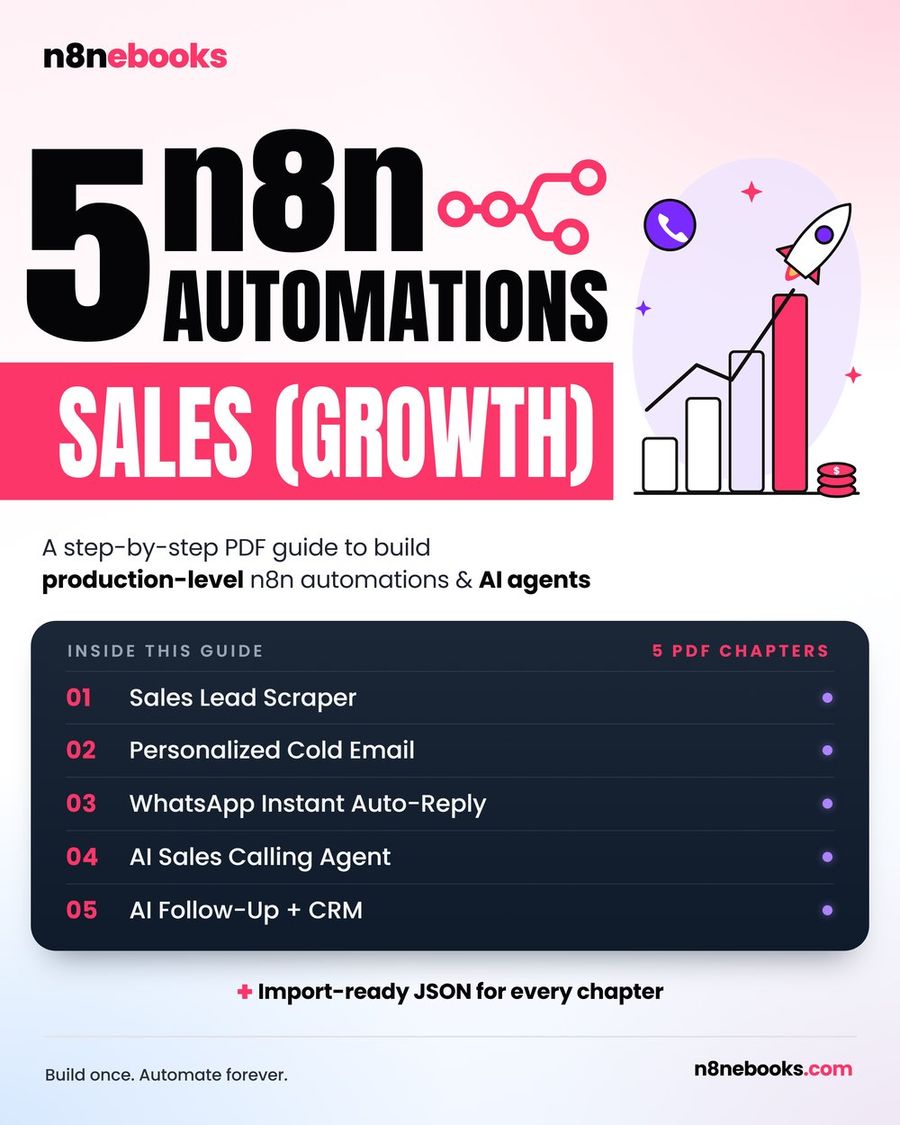
The full setup for this workflow, including every node, prompt, ready-to-import JSON, and setup videos, is in the chapter Personalized Cold Email, n8n Sales Workflow (Step-by-Step + JSON).
How does this workflow personalize each cold email?
The workflow collects fresh leads from your sheet, then visits each lead’s website and Instagram page. It uses AI to analyze what the business does and spot something unique or recent. The AI then writes a short, plain-text cold email that mentions this detail, following your offer and sender identity.
Before sending, the workflow checks the email for risky words or spam signals. If the email is safe, it sends it from your Gmail and logs the result. This protects your domain and keeps your outreach personal, not generic.
What is one real limitation or mistake to watch for?
If your offer or sender settings contain words on your banned-words list, every email will be skipped with a message like lintReason: banned-word-in-offer. Always check your banned-words list and reword your offer if emails are not sending. Also, some websites block scraping, so the AI may fall back to industry-level facts for some leads, this is normal.
What does this workflow cover?
This workflow automates research, AI writing, spam checks, sending, and logging for cold emails. It does not handle follow-ups, CRM sync, or multi-channel outreach, you will need to add those steps yourself if needed. The workflow is built for safe, steady, personalized first-touch emails.
Where can I get the full workflow and setup?
You can get the complete chapter with every node, prompt, and ready-to-import JSON at Personalized Cold Email, n8n Sales Workflow (Step-by-Step + JSON). For all workflows in this n8n ebook, see n8n Sales Growth Automations or browse all workflows.
Frequently asked questions
Why are my emails not sending?
Check if you hit your daily cap, if the workflow is paused (see the Suppression sheet), or if there are no new leads. Also, make sure your offer does not contain banned words.
The AI emails look generic, what can I do?
Some websites block scraping, so the workflow cannot fetch unique details. In these cases, the AI falls back to industry-level facts. This is normal for some leads.
How do I avoid my emails landing in spam?
Keep your sending caps low, warm up your inbox, and use a strong banned-words list. The workflow’s spam check helps, but sender reputation also depends on your volume and content.
Written by
Jitendra Kavire · Founder, n8nebooks
Jitendra builds n8n automations for real businesses — real estate, clinics, gyms, agencies and creators. He has written 13 n8n ebooks with 65 tested, ready-to-import workflows, and runs Revision Wave Production House in Pune, India.