EnglishBy Jitendra Kavire ·19 Oct 2026 · 2 min read
n8n lead generation with Apify: scrape Google Maps leads from Telegram
Type “20 real estate agents in Pune” into a Telegram bot and get a clean, AI-scored lead list in Google Sheets. Here is how the n8n + Apify lead scraper works.
Buying lead lists is expensive and they are usually old. With n8n and Apify you can pull fresh, local business leads on demand — just by sending a message.
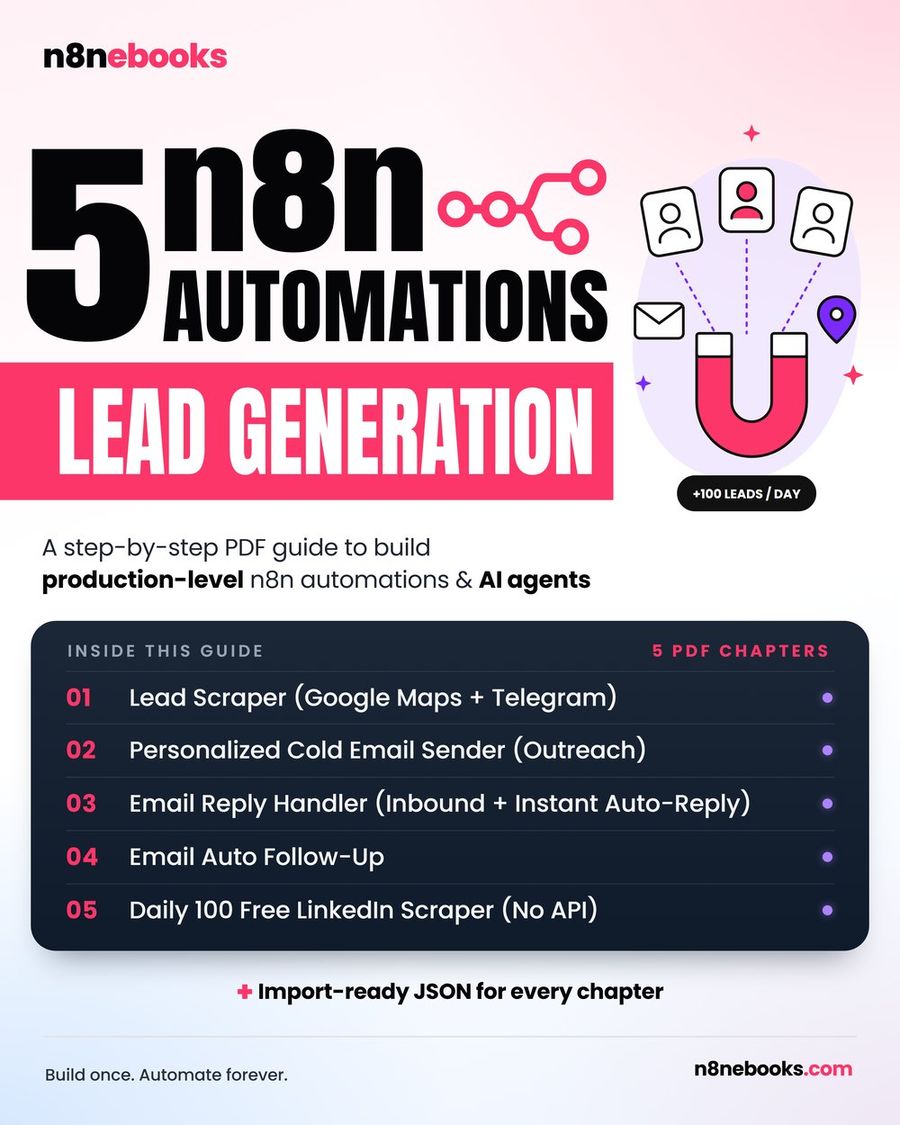
 Lead Scraper — Google Maps + Telegram workflow in n8n (Lead Generation ebook, chapter 1)
How it works
- You message your Telegram bot: "20 dentists in Mumbai".
- AI turns the message into search details (business type, city, count).
- Apify's Google Maps scraper collects matching businesses — name, phone, website, rating, reviews.
- n8n cleans the data, removes duplicates and businesses without contact details.
- AI scores each lead for fit (e.g. has a website but weak reviews = good prospect).
- Good leads are saved to Google Sheets and the bot replies with a summary.
What you need
- n8n — free self-hosted or n8n Cloud
- Apify account — the free plan includes monthly credits, enough to test
- OpenAI — for parsing requests and scoring
- Google Sheets — your lead database
- Telegram bot — your remote control (free, created with BotFather)
Why Telegram as the control panel?
You can request leads from your phone in 5 seconds, anywhere. No dashboards, no logins. The same bot can later trigger outreach, show stats or pause campaigns.
From leads to clients
Scraping is only the first step. The full pipeline looks like this:
- Lead scraper (this workflow)
- Personalized cold email — AI reads each prospect's website and Instagram and writes a short, specific email, checks it for spam words and sends it from Gmail at a human pace.
- Reply handler — sorts replies (interested / not now / unsubscribe) and alerts you to hot ones.
- Auto follow-up — polite nudges that stop the moment someone replies.
- Free LinkedIn profile scraper — collects public profiles with Google Programmable Search, no LinkedIn API.
Tips that keep you safe
- Respect platform terms and local laws; email businesses, not private individuals.
- Always include an unsubscribe line and honour it.
- Send from a separate domain or mailbox and warm it up slowly.
Get the workflows
All five are in the Lead Generation ebook with every node, prompt and setting explained, plus ready-to-import JSON and setup videos for Apify, Google and Telegram.
Written by
Jitendra Kavire · Founder, n8nebooks
Jitendra builds n8n automations for real businesses — real estate, clinics, gyms, agencies and creators. He has written 13 n8n ebooks with 65 tested, ready-to-import workflows, and runs Revision Wave Production House in Pune, India.