HinglishBy Jitendra Kavire ·14 Nov 2026 · 4 min read
n8n Telegram Bot Workflow for Class Scheduling & Booking – Hinglish Guide
Class scheduling aur booking ke liye n8n Telegram Bot chahiye? Is article mein aapko ek tested workflow milta hai jo Google Sheets se schedule check karta hai, bookings manage karta hai, aur Telegram pe confirmation bhejta hai. Bilkul no-code, step-by-step Hinglish mein.

Short answer: Haan, aap class scheduling aur booking ke liye n8n Telegram Bot workflow use kar sakte ho. Yeh workflow Google Sheets se schedule check karta hai, content fetch karta hai, har platform pe post karta hai, aur Telegram pe confirmation bhejta hai. Isse aapki bookings aur updates automate ho jaati hain – bilkul no-code, sirf ready-made nodes aur settings.
n8n Telegram Bot Workflow for Class Scheduling & Booking kaise kaam karta hai?
Yeh workflow har 5 minute mein aapke Google Sheet ko check karta hai. Jaise hi koi scheduled booking ya class ka time aa jata hai, woh row pick hoti hai, video Google Drive se uthta hai, sabhi platforms pe ek saath post hota hai, post ka link sheet mein wapas likh diya jata hai, aur aapko Telegram pe confirmation mil jata hai.

- Sheet Check: Har 5 minute mein workflow aapke Google Sheet ko check karta hai taaki koi naya ya due booking mil sake.
- Find Due Rows: Sirf woh rows pick hoti hain jinki scheduling time abhi aa chuki hai, toh koi booking miss nahi hoti.
- Fetch Video: Google Drive se video uthaya jata hai jo class ya content ke liye scheduled hai.
- Upload to Platforms: Workflow har listed platform pe ek saath video post karta hai, time save hota hai.
- Writeback Links: Har post ka live link wapas sheet mein likh diya jata hai, taaki aapke paas record rahe.
- Telegram Confirmation: Aapko Telegram pe ek confirmation message milta hai, taaki turant pata chale booking ya post ho gayi.
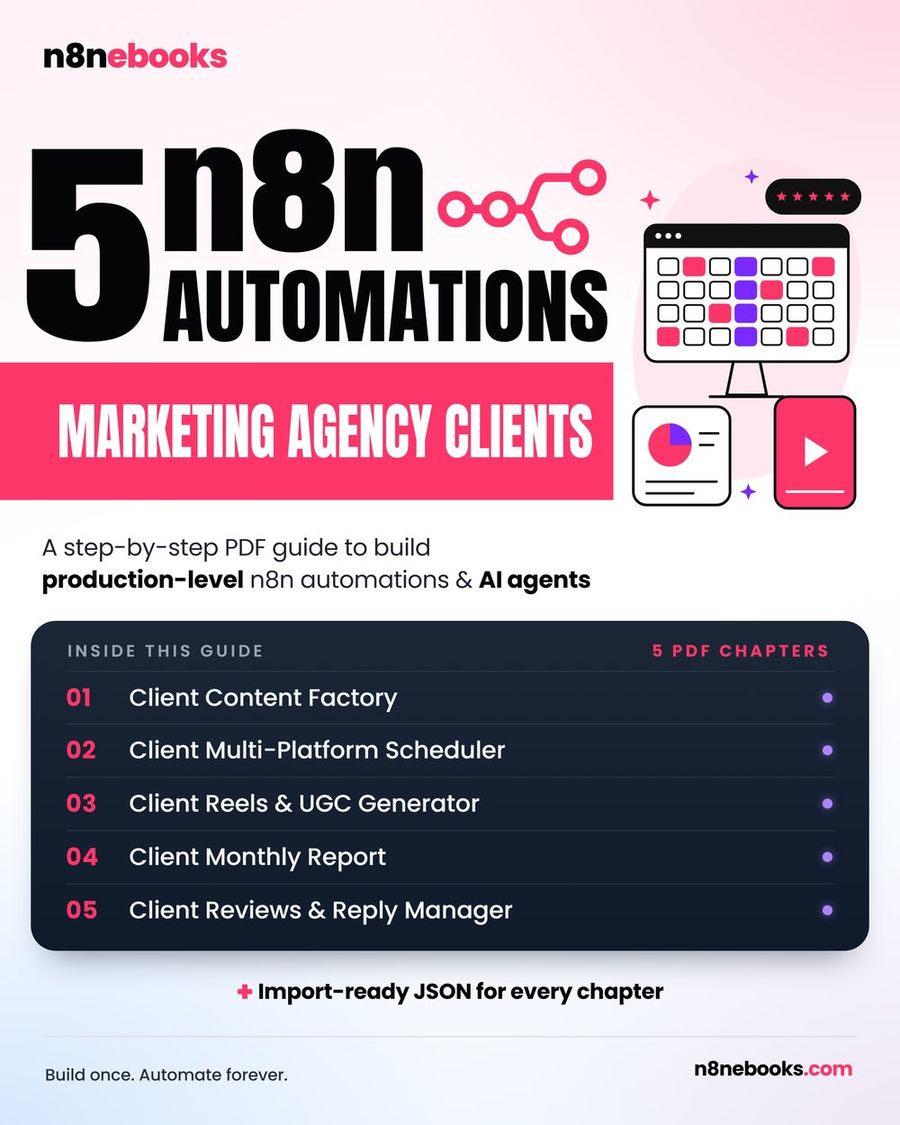
Pura node-by-node setup, har setting, aur ready-to-import JSON aapko Client Multi-Platform Scheduler chapter mein mil jayega.
Kya-kya chahiye shuru karne ke liye?
- n8n account (self-hosted ya n8n Cloud, dono chalega)
- Google Sheets account (schedule manage karne ke liye)
- Google Drive (videos ya class content rakhne ke liye)
- Upload-Post account + API key (saare platforms pe post karne ke liye)
- Telegram Bot (confirmation ke liye) aur aapka Telegram chat ID
Workflow kaise solve karta hai scheduling aur booking?
Jab bhi aap ek nayi class ya booking schedule karte ho, bas Google Sheet mein row add karo, date/time set karo, aur status 'scheduled' rakho. Workflow har 5 minute mein check karega, due bookings pick karega, video ya content fetch karega, saare platforms pe ek saath post karega, aur live link wapas sheet mein likh dega. Aapko Telegram pe confirmation mil jayega – iska matlab aapko alag se message bhejne, ya manual tracking ki zarurat nahi padti.
Limitation ya common mistake kya hai?
Ek common problem hai: Agar Google Sheet mein row ka status, type, ya schedule time sahi nahi hai (jaise time abhi future mein hai ya status 'scheduled' nahi hai), toh workflow kuch nahi karega. Dusra, agar Upload-Post pe social account connected nahi hai, toh upload fail ho sakta hai. Telegram confirmation tabhi aayega jab aapka chat ID sahi ho aur aapne apne bot ko ek baar message bhej diya ho.
Kya yeh pura class booking automation hai?
Yeh workflow schedule sheet se booking pick karta hai, content post karta hai, aur Telegram pe confirmation bhejta hai. Lekin agar aapko custom booking forms, payments, ya complex reminders chahiye, toh woh aapko alag workflow ya manual steps se add karna padega. Yeh mainly schedule-driven posting aur confirmation ke liye bana hai.
Full setup kaha milega?
Har node, setting, aur ready-to-import JSON ke liye Client Multi-Platform Scheduler chapter check karo. Video walkthrough bhi milta hai.
Full ebook mein 5 agency automations milenge (including yeh workflow): n8n Agency Client Delivery Ebook. Saare ready-to-import workflows dekhne ke liye yahan check karo.
Aksar pooche jaane wale sawaal (FAQ)
Kya yeh workflow free n8n pe bhi chalega?
Bilkul, yeh workflow n8n ke free self-hosted version ya n8n Cloud dono pe kaam karta hai. Bas external tools jaise Upload-Post ka account aur API key chahiye.
Setup mein kitna time lagta hai?
Agar aap ready JSON import karte ho toh lagbhag 2 ghante lagenge. Agar Claude Code use kar rahe ho toh 30-45 minutes mein ho sakta hai. Manual setup poora padh ke karoge toh ek din lag sakta hai.
Kya mujhe coding aani chahiye?
Nahi, koi coding ki zarurat nahi hai. Saare nodes, settings, aur prompts ready milte hain – bas copy-paste ya import karo, aur credentials connect karo.
Written by
Jitendra Kavire · Founder, n8nebooks
Jitendra builds n8n automations for real businesses — real estate, clinics, gyms, agencies and creators. He has written 13 n8n ebooks with 65 tested, ready-to-import workflows, and runs Revision Wave Production House in Pune, India.