HinglishBy Jitendra Kavire ·26 Oct 2026 · 2 min read
n8n se YouTube Shorts automatic kaise banaye: ek video se hafte bhar ke clips (Hinglish)
Ek lambi video daalo aur n8n Vizard se captioned short clips banwa kar, AI se title-caption likh kar, Telegram par aapki approval le kar Drive mein save kare. Poora tareeka.
Ek podcast ya lambi YouTube video mein 10–15 achhe moments hote hain. Unhe haath se kaat kar, captions laga kar Shorts banana ghanton ka kaam hai. n8n ye kaam lagbhag automatic kar deta hai, aur final "haan ya na" aapke haath mein rehta hai.
Ye workflow kya karta hai
- Aap video Google Drive mein daalte ho, ya Telegram bot ko YouTube link bhejte ho.
- n8n video Vizard ko bhejta hai, jo usse short clips mein kaat-ta hai, captions lagata hai aur khaali silence hata deta hai.
- AI har clip ke liye title, caption aur hashtags likhta hai.
- Har clip Telegram par aati hai, aur aap "yes" ya "no" reply karte ho.
- Approved clips Drive mein save hoti hain aur sheet mein log hoti hain.

Kiske liye hai?
- YouTubers aur podcasters: ek video se hafte bhar ka short content.
- Video editors: clients ke liye zyada clips, kam time mein.
- Agencies: har client ki lambi video se reels ka pipeline.
Kya-kya chahiye?
| Cheez | Kis liye |
|---|---|
| n8n | Poora workflow |
| Vizard account + API key | Clips kaatna aur captions |
| OpenAI / OpenRouter | Titles, captions, hashtags |
| Google Drive + Sheets | Videos save aur log |
| Telegram bot | Approval |
| YouTube (Google) credential | Channel se video uthane ke liye (optional) |
Common galtiyan
- "Clips abhi ready nahi". Lambi video mein Vizard ko time lagta hai. Wait badhao ya bot ko dobara poochho.
- Vizard error. API key dono jagah sahi daalo aur Vizard credits check karo.
- Channel nahi mila. Exact @handle ya UC… channel ID do.
Tip: approval step mat hatao
Shuruaat mein har clip khud dekho. AI achhe moments pakadta hai, par brand ke hisaab se kaunsi clip jaani chahiye, ye aap hi best jaante ho.
Aksar pooche jaane wale sawaal (FAQ)
Kya n8n khud video edit karta hai?
Nahi. n8n poore kaam ko chalata hai, aur asli cutting aur captions Vizard ki API karti hai. n8n video bhejta hai, clips laata hai, AI se text likhwata hai aur approval leta hai.
Kya clips seedhe YouTube par post ho sakti hain?
Haan. Approved clips ko auto-posting workflow ke saath jod sakte ho, jo Social Media ebook mein hai.
Coding chahiye?
Nahi. Workflow import karo aur Vizard, OpenAI, Drive aur Telegram connect karo.
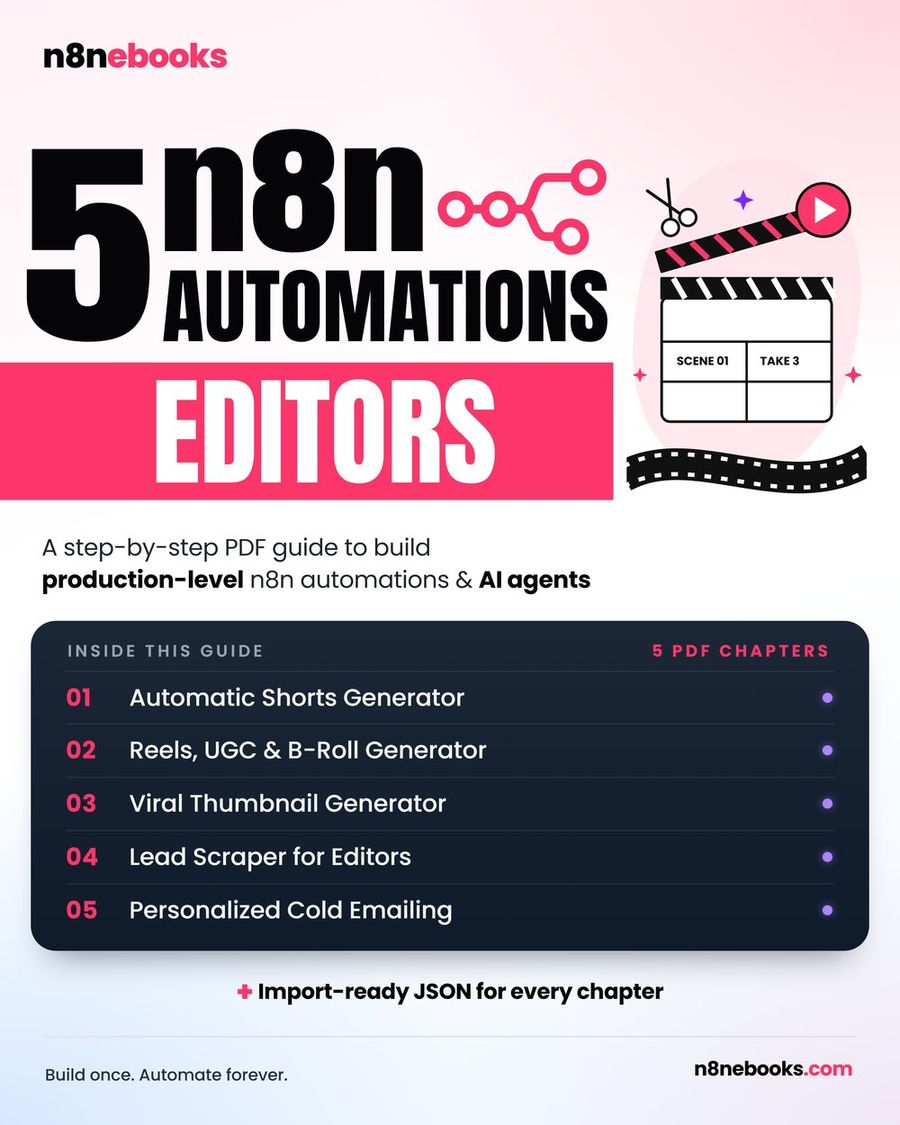
Ye workflow hamari Video Editor n8n ebook aur Social Media n8n ebook dono mein hai, har node aur setting ke saath, ready JSON aur setup videos.
Written by
Jitendra Kavire · Founder, n8nebooks
Jitendra builds n8n automations for real businesses — real estate, clinics, gyms, agencies and creators. He has written 13 n8n ebooks with 65 tested, ready-to-import workflows, and runs Revision Wave Production House in Pune, India.