EnglishBy Jitendra Kavire ·23 Oct 2026 · 4 min read
9 n8n Automations for Video Editors: Shorts, B-Roll, Thumbnails and Finding Clients
Nine n8n automations for freelance video editors and editing agencies: turn long videos into captioned shorts, generate b-roll from a prompt, make thumbnails, find clients on Google Maps and pitch them by email.
Video editors usually have two problems at once: too much repetitive editing work, and not enough new clients. These nine n8n automations cover both. The first five speed up production, and the last four bring in work. You control all of them from a Telegram bot.
Production
1. Long video to captioned shorts
Upload a long video to Google Drive, or send a YouTube link to your bot. The workflow sends it to Vizard, which cuts it into short clips with captions and the silences removed.

2. AI titles, captions and hashtags for every clip
Each clip gets a title, a platform caption and hashtags written by AI, so the clips are ready to post.
3. Approve clips with yes or no on Telegram
Every clip comes to Telegram with its caption. Reply yes and it's saved to Drive and logged in a sheet. Reply no and it's skipped. You stay in control without opening an editor.
4. B-roll and UGC-style footage from a prompt
Describe the shot you need, for example "drone shot over a city at sunset, vertical", or send a product photo. AI writes a detailed scene prompt, MiniMax generates the clip, and you get it on Telegram with a copy in Drive. It's handy for filler shots you can't film.
5. Thumbnails in the style of top videos
Send a topic or title. The workflow looks at top YouTube thumbnails for that topic, writes a detailed image prompt, and gpt-image-1 creates a 1080p thumbnail. To change one part, just reply "make the background red" and it edits only that.

Finding clients
6. Lead scraper: "30 marketing agencies in Pune"
Text your bot a request. AI turns it into search details, Apify scrapes matching businesses from Google Maps, duplicates and leads without email are removed, and AI scores each lead for fit. The good ones go to your leads sheet.
7. Lead scoring that suits editors
The scoring prompt looks for signals that a business needs video: an active Instagram, few or poor-quality videos, a website with no video. You pitch businesses that actually need you.
8. Personalized cold emails from your Gmail
Every 15 minutes, the next lead is picked. The workflow reads their website and Instagram, and AI writes a short email that mentions something specific about their business.
9. A spam check and suppression list before every send
Before sending, AI checks the email for spammy words and risky formatting. A suppression tab makes sure anyone who said "no" or unsubscribed is never emailed again. A daily cap keeps the volume human.
What you need
| Tool | Used for |
|---|---|
| n8n | Runs every workflow |
| Telegram bot | Your control panel and approvals |
| Vizard | Shorts cutting (#1–3) |
| n8n AI Gateway credits (MiniMax) | B-roll and UGC clips (#4) |
| OpenAI (real key with image credits) | Thumbnails (#5) and writing |
| Apify | Google Maps scraping (#6) |
| Gmail + Google Sheets | Outreach and logging (#8–9) |
Common mistakes
- "Clips not ready yet." Vizard needs time for long videos. Increase the wait step, or ask the bot again.
- gpt-image-1 not available. Image generation needs a real OpenAI key with billing enabled, not a proxy key.
- Emails sound generic. That happens when a lead has no website or social content to research. Better leads give better emails.
Frequently asked questions
Can n8n automatically make YouTube Shorts?
n8n orchestrates it: it sends your long video to a clipping tool like Vizard, gets the clips back, writes captions with AI and saves approved clips. The actual cutting is done by Vizard's API.
Do I need to know coding?
No. You import the workflow JSON, add your API keys in n8n credentials and adjust a few settings, such as your brand name and the email signature.
Is cold emailing safe for my main email address?
Use a separate mailbox or domain for outreach, keep a low daily cap, email only relevant businesses and honour every unsubscribe. The workflow includes a suppression list and a spam check for this reason.
Can I use this for my editing agency's clients?
Yes. Many editors run the shorts and thumbnail workflows for their clients and charge for the faster turnaround.
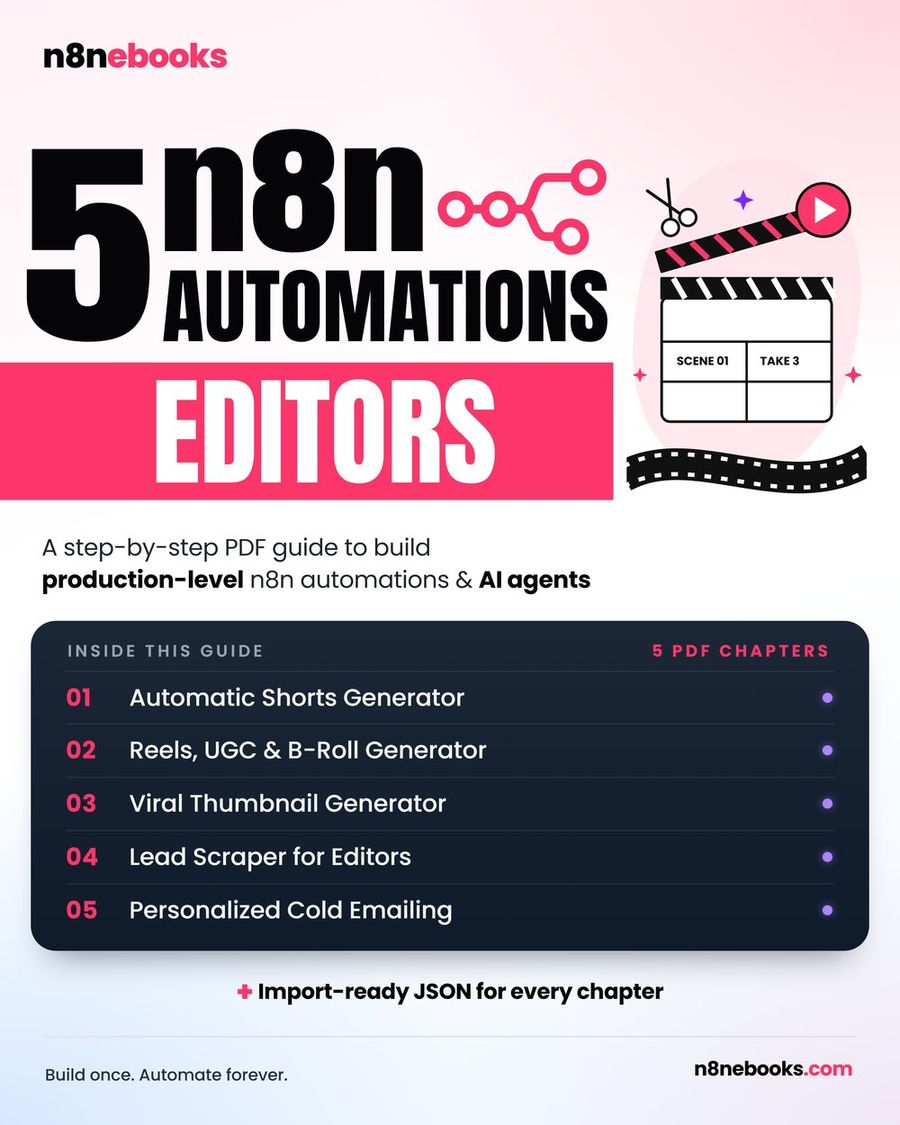
The full system, with every node, prompt and setting explained plus ready JSON, is in our Video Editor ebook.
Written by
Jitendra Kavire · Founder, n8nebooks
Jitendra builds n8n automations for real businesses — real estate, clinics, gyms, agencies and creators. He has written 13 n8n ebooks with 65 tested, ready-to-import workflows, and runs Revision Wave Production House in Pune, India.