EnglishBy Jitendra Kavire ·22 Oct 2026 · 3 min read
How to Build an AI Calling Agent with n8n (Voice AI + Google Calendar + CRM)
How an n8n AI calling agent answers or places calls, checks your calendar mid-call, books appointments, and writes a call summary to your CRM, with the setup steps and mistakes to avoid.
Phone calls are still how many customers prefer to book: patients, gym members, home buyers, diners. But nobody can answer every call at 9 PM or on a Sunday. An AI calling agent built with n8n can. It's one of the automations people ask us about most.
This guide explains how the pieces fit together, what you need, and the mistakes that break most first attempts.
How an n8n AI calling agent works
There are two parts:
- The voice AI platform (we use OmniDimension) handles the phone number, speech recognition and the voice itself. It runs the conversation using a prompt you write.
- n8n is the brain behind the scenes. During the call, the voice agent calls n8n webhooks as "tools", for example check if Tuesday 5 PM is free. After the call, it sends the transcript to n8n.

Inbound: answering calls and booking
A caller asks for an appointment. The flow:
- The voice agent asks for the preferred day and time.
- It calls an n8n webhook with what the caller said, such as "tomorrow afternoon".
- An Information Extractor turns that into real dates using today's date and your timezone.
- n8n reads Google Calendar for that day and works out what's actually free.
- A Switch node returns the right spoken answer: "Yes, 4:30 is free" or "That's taken, but 5:15 is open."
- When the caller confirms, n8n creates the calendar event, and a WhatsApp confirmation can follow.
Outbound: calling leads and members
The same setup can place calls. A schedule runs every hour, picks people due for a call (warm leads, trial reminders, renewals, dues), marks them as Dialing so they aren't called twice, and asks the voice platform to dial.

After every call: summary and CRM update
When the call ends, the platform posts the transcript to an n8n webhook. AI writes a short summary (who called, what they wanted, the outcome, the next step), the CRM row is updated and the owner gets a Telegram recap. Urgent calls can trigger an immediate alert.
What you need
| Tool | Why |
|---|---|
| n8n (Cloud or self-hosted) | Webhooks, calendar logic, CRM updates |
| A voice AI platform (e.g. OmniDimension) | Phone number, speech, voice |
| Google Calendar | Real availability and bookings |
| Google Sheets | CRM and call log |
| OpenAI / OpenRouter | Date extraction and call summaries |
| Telegram | Recaps and urgent alerts |
Mistakes that break first attempts
- Using the test webhook URL. Once the workflow is active, the voice platform must call the Production URL (
/webhook/...), not/webhook-test/.... - Wrong dates for "next Tuesday". Always pass the current date and your real timezone into the extraction prompt.
- Counting all-day events as busy. Only count timed events when you calculate free slots, or the agent says the whole day is booked.
- Calling the same person repeatedly. Mark the row as Dialing before the call is placed.
Frequently asked questions
Can n8n make phone calls by itself?
n8n doesn't provide phone numbers or voices. It works with a voice AI platform that does, and controls it through API calls and webhooks: when to call, what to check during the call and what to do afterwards.
Can the AI agent speak Hindi?
Language support depends on the voice platform you choose. Many support Hindi, English and other Indian languages. You set this in the voice agent, not in n8n.
Will callers know they are talking to an AI?
You should tell them. Be transparent in the greeting, keep a human handover option for complex cases, and follow your local calling rules.
Do I need coding?
No. The workflows are ready to import. You connect your calendar, sheet and voice platform keys, then edit the business details in the prompts.
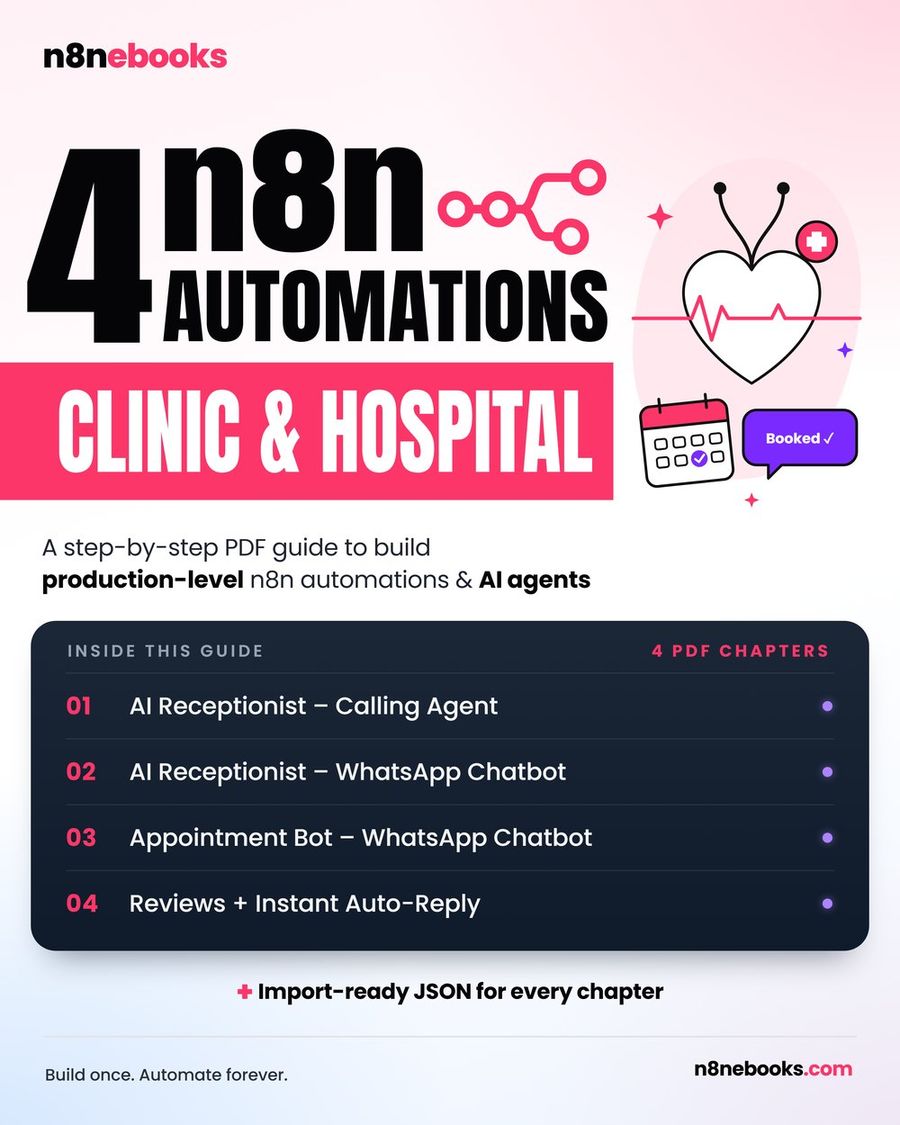
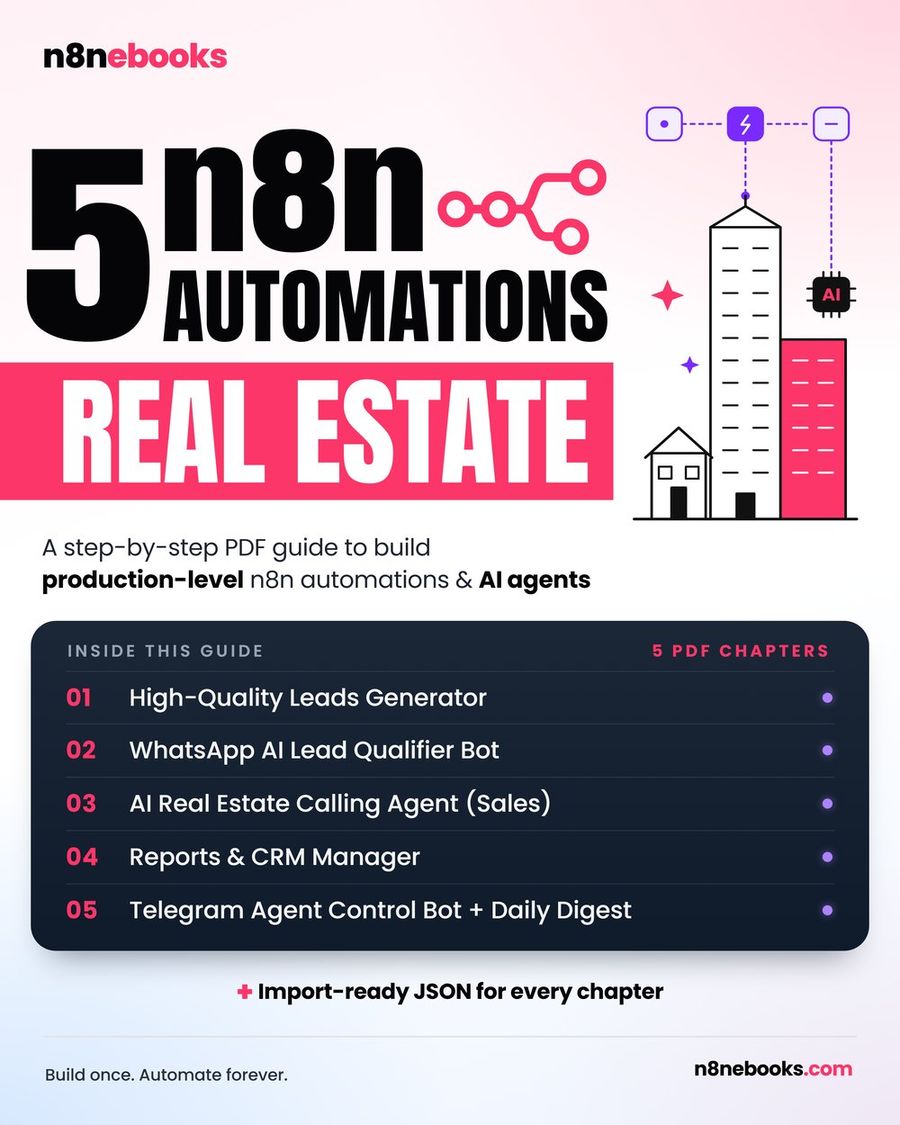
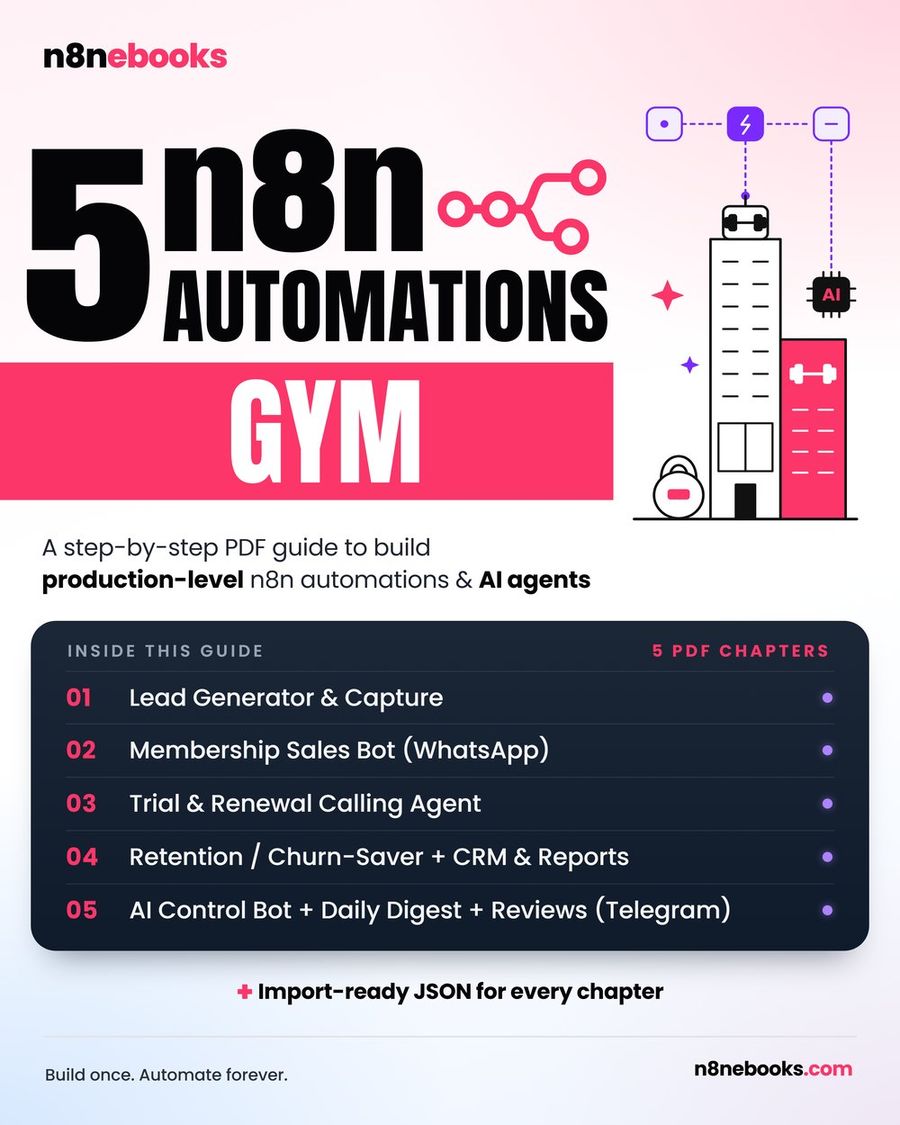
Ready-to-import AI calling workflows are inside our Clinic & Hospital, Gym, Real Estate and Restaurant n8n ebooks. Each one has every node explained and setup videos for every account.
Written by
Jitendra Kavire · Founder, n8nebooks
Jitendra builds n8n automations for real businesses — real estate, clinics, gyms, agencies and creators. He has written 13 n8n ebooks with 65 tested, ready-to-import workflows, and runs Revision Wave Production House in Pune, India.