EnglishBy Jitendra Kavire ·11 Nov 2026 · 4 min read
n8n workflow for automating OpenAI ChatGPT business profile leads
OpenAI's new ChatGPT business profiles let people find and interact with your company in ChatGPT. Here’s how to automate your profile setup, lead capture, and client replies using a ready n8n workflow. No coding needed.

OpenAI now lets you create a business profile in ChatGPT, making it easier for people to discover your services there. If you want to capture leads and reply to clients automatically, you can use an n8n workflow to handle it all, no code required.
What changed with OpenAI ChatGPT business profiles?
OpenAI has launched a Business Hub for ChatGPT. This lets businesses set up a profile, verify their company, and update their info. You can also see simple analytics about who views your profile or mentions your business. (See TechCrunch for full details.)
Why does this matter to freelancers and small business owners?
With more people using ChatGPT to find businesses, having a business profile there is now as important as being on Google. Good replies and fast lead capture can win you clients. But keeping up with every message or tracking leads by hand is slow, and you could miss out. Automating these steps with n8n saves time and builds relationships right from ChatGPT.
How do I automate ChatGPT business profile lead capture with n8n?
You can use the "Auto DM-Reply + Superfan Detect, Email/Lead Capture" workflow from the n8n Content Creator ebook. Here’s how it works:

This is the actual workflow you’ll use.
- Read new DMs daily from your Google Sheet.
- The workflow checks for new direct messages or comments (these could come from ChatGPT users via your business profile, if you log them into a sheet).
- AI drafts a friendly reply in the sender’s language.
- AI reads each message and writes a suggested reply, keeping it personal and relevant.
- Tag superfans and extract any email addresses.
- The workflow looks for signs of high interest (a superfan) and pulls out email leads from the message.
- Save all data back to the sheet.
- Replies, superfan status, and emails are written back, so you own the data.
- Send a Telegram alert for superfans.
- If a message is from a high-value lead, you get a Telegram alert so you can reply yourself if needed.
- Send WhatsApp review requests daily.
- A separate branch sends review requests to recent clients, without messaging anyone twice.
The full setup, including every n8n node, prompt, and ready-to-import JSON, is explained in Auto DM-Reply + Superfan Detect, Email/Lead Capture, with real screenshots and a step-by-step guide.
What you need to use this n8n workflow
- An n8n account (self-hosted or n8n Cloud)
- A Google Sheet with: one tab for DMs (or client messages), another for completed jobs or reviews
- OpenAI API key (to use the AI reply step)
- Telegram bot and your chat ID (to get superfan alerts)
- WhatsApp Cloud API setup (if you want to send review requests)
How it works: workflow steps
- Build your Google Sheet: set up tabs and columns as listed above so n8n can log and track every message.
- Connect your credentials to n8n: Google Sheets, OpenAI, Telegram, and WhatsApp Cloud API if needed.
- Set your IDs and personal details in the workflow: sheet IDs, your Telegram chat ID, WhatsApp phone number ID, and review link.
- Personalize your messages: edit the WhatsApp and AI reply wording to match your brand.
- Test each branch: add a test row in your sheet, check replies, Telegram alerts, and review messages. Activate when ready.
One common limitation or mistake
If the AI system message format is changed (for example, you edit the reply too much), superfan tagging or email extraction might not work. Always keep the 3-line output format for the AI reply step, and check the setup guide if a field stays blank.
Where to get the full workflow and n8n ebook
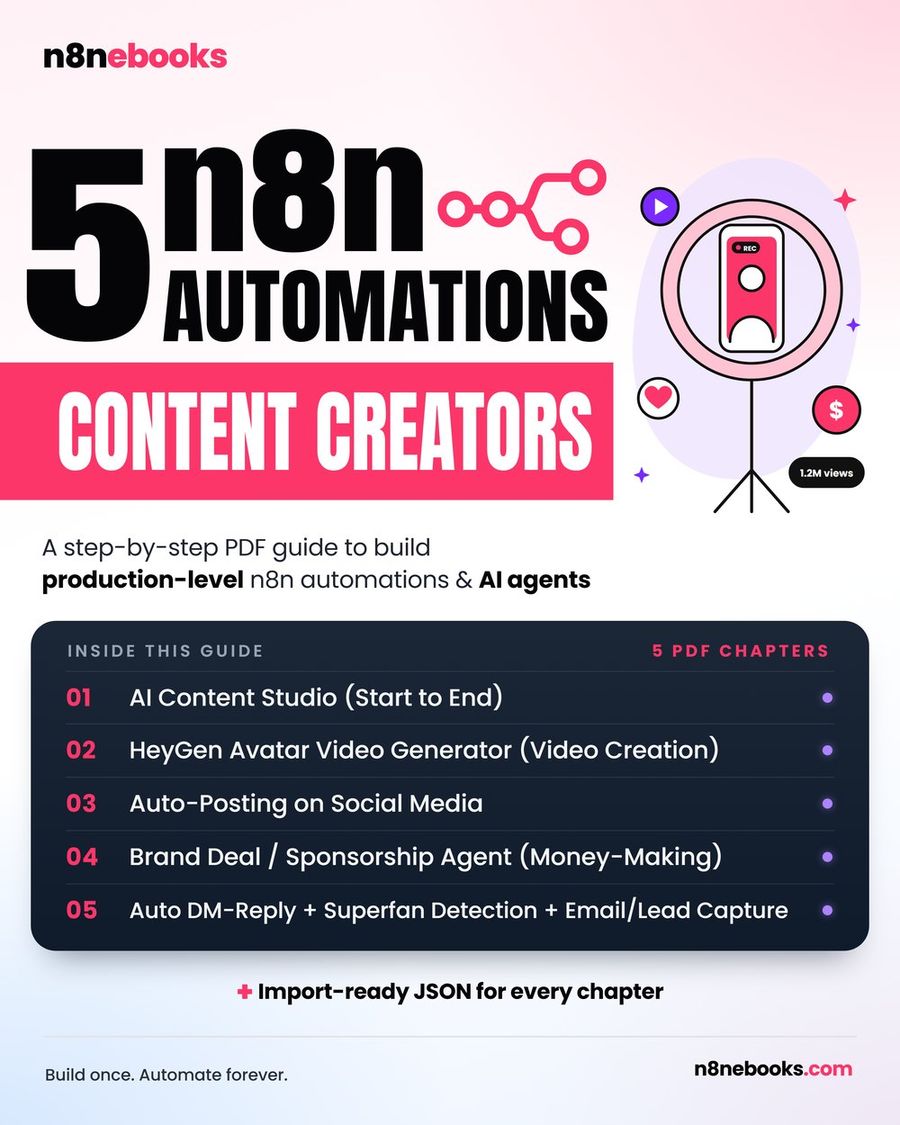
The chapter with every node, prompt, and ready-to-import JSON is here: Auto DM-Reply + Superfan Detect, Email/Lead Capture. The full n8n Content Creator Automations ebook has setup videos for each API and four more tested workflows.
Frequently asked questions
Can I use this n8n workflow on both free and paid n8n?
Yes. You can use it on the free self-hosted n8n Community Edition or on n8n Cloud. The workflow runs the same either way.
Do I need to code or know APIs to set this up?
No coding is needed. The ebook has every node’s settings, prompts, and expressions, plus setup videos for each API. Just copy, paste, and connect your accounts.
How long does setup take?
If you use Claude Code, setup takes 30–45 minutes. Importing the ready JSON into n8n takes about 2 hours. If you build it step by step from the n8n ebook, expect about one day.
For more tested workflows, see all workflows. For source details, see TechCrunch.
Written by
Jitendra Kavire · Founder, n8nebooks
Jitendra builds n8n automations for real businesses — real estate, clinics, gyms, agencies and creators. He has written 13 n8n ebooks with 65 tested, ready-to-import workflows, and runs Revision Wave Production House in Pune, India.