EnglishBy Jitendra Kavire ·13 Nov 2026 · 4 min read
How to Automate Influencer Discovery and Outreach with n8n
Nectar just launched an AI agent to automate creator discovery and outreach for brands. Here’s how you can automate a similar process for your own brand or clients using n8n’s Brand Deal / Sponsorship Agent workflow—no coding required.

Brands and agencies are looking to save time and effort in finding and contacting creators. With new AI tools like Nectar’s Creator Agent, much of the manual work in influencer marketing is being automated. If you want to automate creator discovery, outreach, and deal tracking for your brand or clients, you can start today using n8n’s Brand Deal / Sponsorship Agent workflow, no coding needed.
What happened: Nectar launches an AI influencer agent
Nectar, an AI-powered marketing platform, has released a new agent that automates creator discovery and outreach for brands. The agent searches for creators, checks their content and partnerships, sends personalized messages, and helps manage campaigns. It aims to replace manual tasks like scrolling social media, building spreadsheets, and sending DMs. TechCrunch covered the launch in detail.
Why does this matter for small businesses and freelancers?
Finding the right creators to work with is time-consuming. Brands often spend weeks researching, pitching, and following up, sometimes with little result. Automating this process can free up your time and help you reach more potential partners. Even if you don’t have access to Nectar, you can use n8n to build a similar automated pipeline for your own brand or for clients.
How to automate influencer discovery and outreach with n8n
The Brand Deal / Sponsorship Agent workflow in n8n helps creators, agencies, and small teams automate the process of finding brands (or creators), sending pitches, handling replies, and tracking deals. It uses AI and everyday tools, no coding needed.
How it works

- AI finds and verifies brands that sponsor creators: The workflow uses AI to search for and verify brands that sponsor creators, saving you hours of manual research.
- It sends personalized pitches from two Gmail inboxes: It sends out personalized pitch emails from two Gmail accounts, increasing your outreach without triggering spam filters.
- AI reads and sorts every reply: Incoming replies are automatically read and sorted by the AI, so you only see the responses that matter.
- It auto-replies and alerts you on Telegram: The system can reply to brands and sends you instant alerts on Telegram when a deal needs your input.
- Gentle follow-ups go to brands that didn't reply: Brands that don’t reply get polite follow-up messages, helping you close more deals without extra effort.
- You control the agent from Telegram: You can pause, hold, or control the agent directly from Telegram, keeping you in charge at every step.
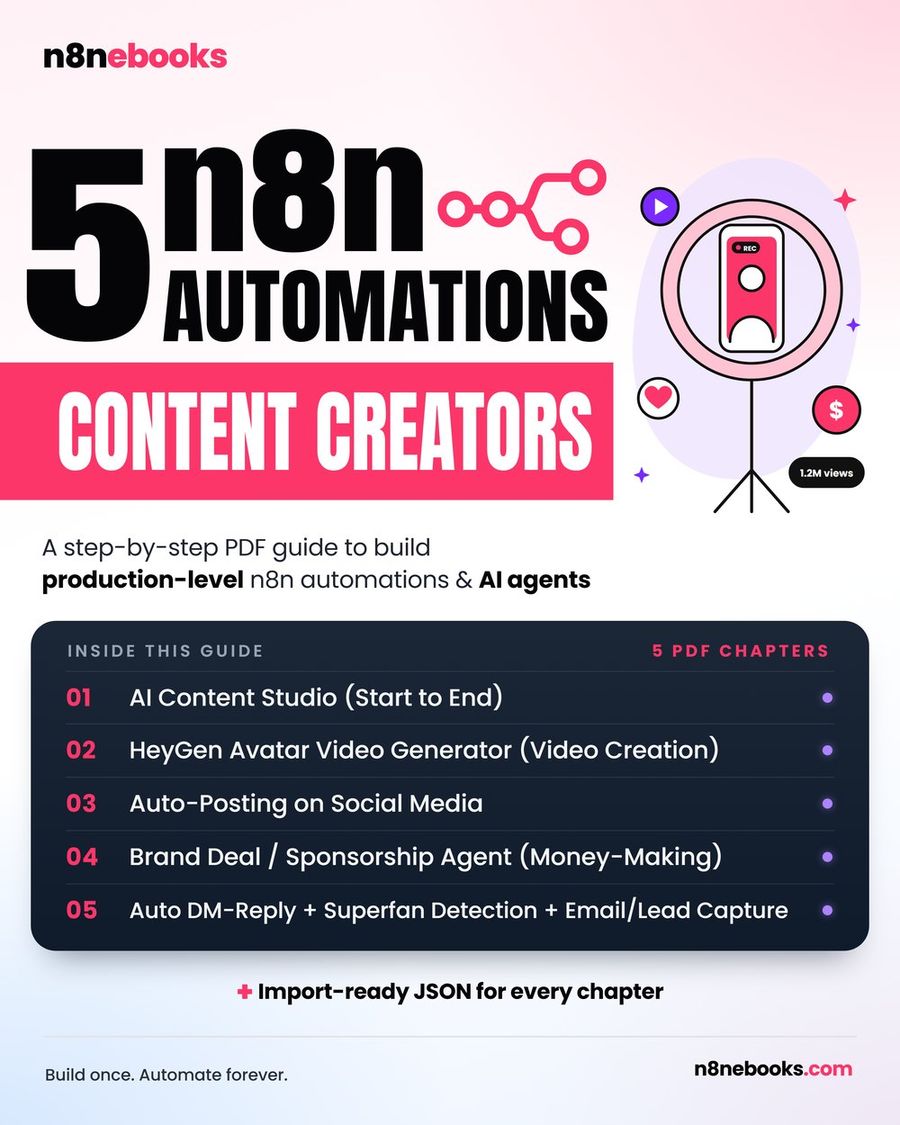
The full setup, including every node, prompt, and ready-to-import JSON, is explained in the Brand Deal / Sponsorship Agent (Money Making) chapter.
What you need to get started
- An n8n account (self-hosted or cloud)
- Two Gmail accounts (for sending outreach emails)
- A Google Sheet with tabs for Brands, Interested, Deals-Final, and Send-Log
- API keys for OpenAI or OpenRouter (with web-search capability)
- A Telegram bot and your chat ID (for alerts and agent control)
- A MyEmailVerifier API key (to check email validity)
You do not need to write any code. The ebook includes setup videos and ready-made prompts for every step.
What this workflow does, and what it doesn’t
This workflow automates the discovery of brands that sponsor creators, sends personalized outreach emails, sorts and replies to responses, follows up with non-responders, and keeps you in the loop via Telegram. It does not connect directly to Nectar or any third-party influencer platforms, and it does not manage contracts or gifting logistics. You will need to handle those steps separately if needed.
Common mistake: missing or incorrect API keys
A frequent issue is using the wrong API keys for Gmail, OpenAI/OpenRouter, or MyEmailVerifier. Double-check all credentials and test each branch before running the workflow live. If you don’t receive Telegram alerts, confirm your chat ID on every Telegram node.
Want the full n8n Brand Deal / Sponsorship Agent workflow?
The complete workflow, including every node, prompt, and importable JSON, is explained step by step in the Brand Deal / Sponsorship Agent (Money Making) chapter of the n8n Content Creator Ebook. It’s ready for you to copy, import, and run.
For more automations like this, see the full n8n Content Creator Automations ebook or try a free n8n starter workflow.
Frequently asked questions
Does this workflow work on free n8n?
Yes. You can use it on the free, self-hosted Community edition or n8n Cloud. You only pay for outside services like AI tokens or email verification, many of which have free tiers.
How long does it take to set up?
With the ready JSON and a tool like Claude Code, setup takes about 30–45 minutes. If you import the JSON yourself, expect about 2 hours. Building it node by node from the ebook takes about a day.
Do I need any coding experience?
No. All nodes, prompts, and settings are printed in the ebook for copy-paste. The workflow JSON can be imported in one click, and setup videos guide you through each API and account needed.
Written by
Jitendra Kavire · Founder, n8nebooks
Jitendra builds n8n automations for real businesses — real estate, clinics, gyms, agencies and creators. He has written 13 n8n ebooks with 65 tested, ready-to-import workflows, and runs Revision Wave Production House in Pune, India.