EnglishBy Jitendra Kavire ·20 Nov 2026 · 4 min read
n8n gym churn saver automation: CRM workflow for member retention
Solve gym member churn with the n8n gym churn saver automation. This CRM workflow updates member stages, triggers WhatsApp and call outreach, drafts paperwork, and sends a daily report—all without coding.

If you want to keep more gym members and stop silent churn, the n8n gym churn saver automation solves the problem. This workflow checks your CRM every two hours, updates member stages, spots who needs saving, triggers WhatsApp and call outreach, drafts paperwork, and sends you a daily PDF report, all hands-free.
How does the n8n gym churn saver automation work?
This workflow acts as your AI gym manager. It keeps every member's stage up to date, finds those at risk of quitting, and starts renewal or win-back outreach before they leave. It also drafts membership paperwork on demand and gives you a clear daily scorecard.

- Every 2 hours it reads your members and activity: The workflow reads your gym CRM and activity data every two hours to stay up to date with member status.
- It updates stages and spots who needs saving: It checks and updates each member's stage, flagging anyone who is at risk of leaving or needs attention.
- Those members get WhatsApp and a follow-up call: At-risk members are contacted automatically with a WhatsApp message and scheduled for a follow-up call.
- On demand, AI drafts membership paperwork: If you need membership paperwork, the workflow can create it using AI, saving time on admin tasks.
- Every evening you get a PDF report on Telegram: A PDF report with key stats is sent to your Telegram every evening, so you always know your gym's health.
The full setup, including every node, prompt, ready-to-import JSON, and setup videos, is in the chapter Retention / Churn-Saver + CRM & Reports, n8n Gym Workflow (Step-by-Step + JSON).
What do you need to run this workflow?
You need:
- An n8n account (cloud or self-hosted).
- A Google Sheets credential (your gym CRM sheet with members and activity).
- A Google Drive credential (for saving AI-drafted documents).
- An OpenAI or OpenRouter API key (for AI paperwork drafts).
- A Telegram bot and your chat ID (for reminders and reports).
- A PDFShift API key (to turn reports into PDFs).
You should also have the Chapter 2 workflow ready, since this workflow calls it to send WhatsApp messages.
What is a real limitation or common mistake?
A common mistake is not pointing the WhatsApp trigger node ("Trigger WhatsApp (CPT 2)") at your actual Chapter 2 workflow. If this is not set, at-risk members will not get WhatsApp messages. Also, make sure your Google Sheets node has the correct Sheet ID in all six places, and your PDFShift node is set to Response Format → File.
Another limitation: this workflow only does what the steps say. It checks your CRM, updates stages, triggers WhatsApp and call outreach, drafts paperwork if you ask, and sends a daily PDF report. If you want to add more alerts or connect to other apps, you will need to build those steps yourself.
How does this compare to other n8n gym automations?
| Feature | This Workflow | Starter Workflow |
|---|---|---|
| Churn detection | Yes | No |
| WhatsApp outreach | Yes | Yes |
| AI paperwork drafting | Yes | No |
| Daily PDF report | Yes | No |
| Telegram reminders | Yes | No |
You can see all available workflows here, or start with the starter workflow.
Where can you get the full workflow?
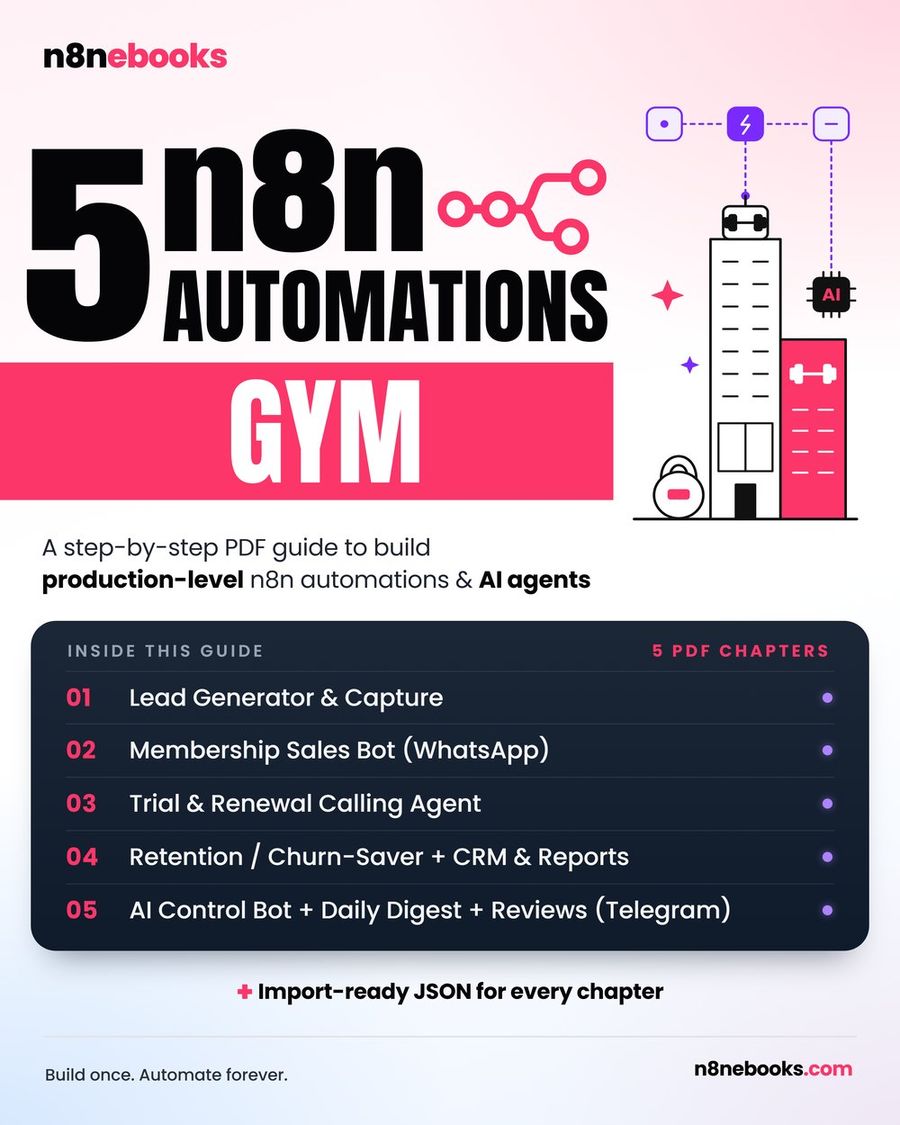
The full n8n gym churn saver automation, with every node, prompt, ready-to-import JSON, and step-by-step video, is in Retention / Churn-Saver + CRM & Reports, n8n Gym Workflow (Step-by-Step + JSON).
For all gym automations, see the complete n8n Gym Ebook.
Frequently asked questions
What if the WhatsApp message is not sent to an at-risk member?
Check that the "Trigger WhatsApp (CPT 2)" node is pointed at your Chapter 2 workflow. Also, make sure the member is actually flagged as at-risk in your CRM data. If the Next Action or Call Outcome columns are not updating, the analyzer may skip the member.
Why is the daily PDF report not arriving on Telegram?
Check your PDFShift API key is set and the Response Format is set to File in the PDFShift node. Also, confirm your Telegram bot and chat ID are correct in all three Telegram nodes.
Can this workflow handle new types of outreach or connect to other apps?
This workflow covers CRM checks, WhatsApp and call outreach, AI paperwork drafting, and daily PDF reporting. If you want to add more channels or integrations, you can extend the workflow in n8n, but those steps are not included here.
Written by
Jitendra Kavire · Founder, n8nebooks
Jitendra builds n8n automations for real businesses — real estate, clinics, gyms, agencies and creators. He has written 13 n8n ebooks with 65 tested, ready-to-import workflows, and runs Revision Wave Production House in Pune, India.